
GDPR Compliance for Websites and How to Check Yours
Palak Agrawal
Published on October 14, 2026
9 min read
Share on:
In September 2025, France's data protection authority fined Shein €150 million after finding that the company's website placed advertising cookies without valid consent. In some cases, the cookies continued to appear even after visitors selected the option to reject them.
Your website could have similar problems without your team realising it. A marketing tag added months ago, an outdated privacy policy or a cookie banner that does not respect visitors' choices can create compliance gaps.
The financial risks are significant too. According to DLA Piper's GDPR fines and data breach survey, European data protection authorities issued approximately €1.2 billion in GDPR fines in 2025.
GDPR compliance requires more than publishing a privacy policy or displaying a cookie banner. Businesses must understand how their websites collect personal data, justify its use, protect it and respect visitors' rights.
This GDPR compliance checklist for US companies and European teams covers 10 checks you can perform to identify common gaps and decide what needs attention.
10 Ways To Check If Your Website Is GDPR Compliant
Here is a GDPR website compliance checklist with 10 ways to test your site.
1. Does GDPR Apply to Your Website?
GDPR can apply to businesses outside the European Union if they offer goods or services to people in the EU or monitor their behaviour there. Your company's location alone does not decide it. Is GDPR required in the US? Only when your US website targets people in the EU or tracks their behaviour.
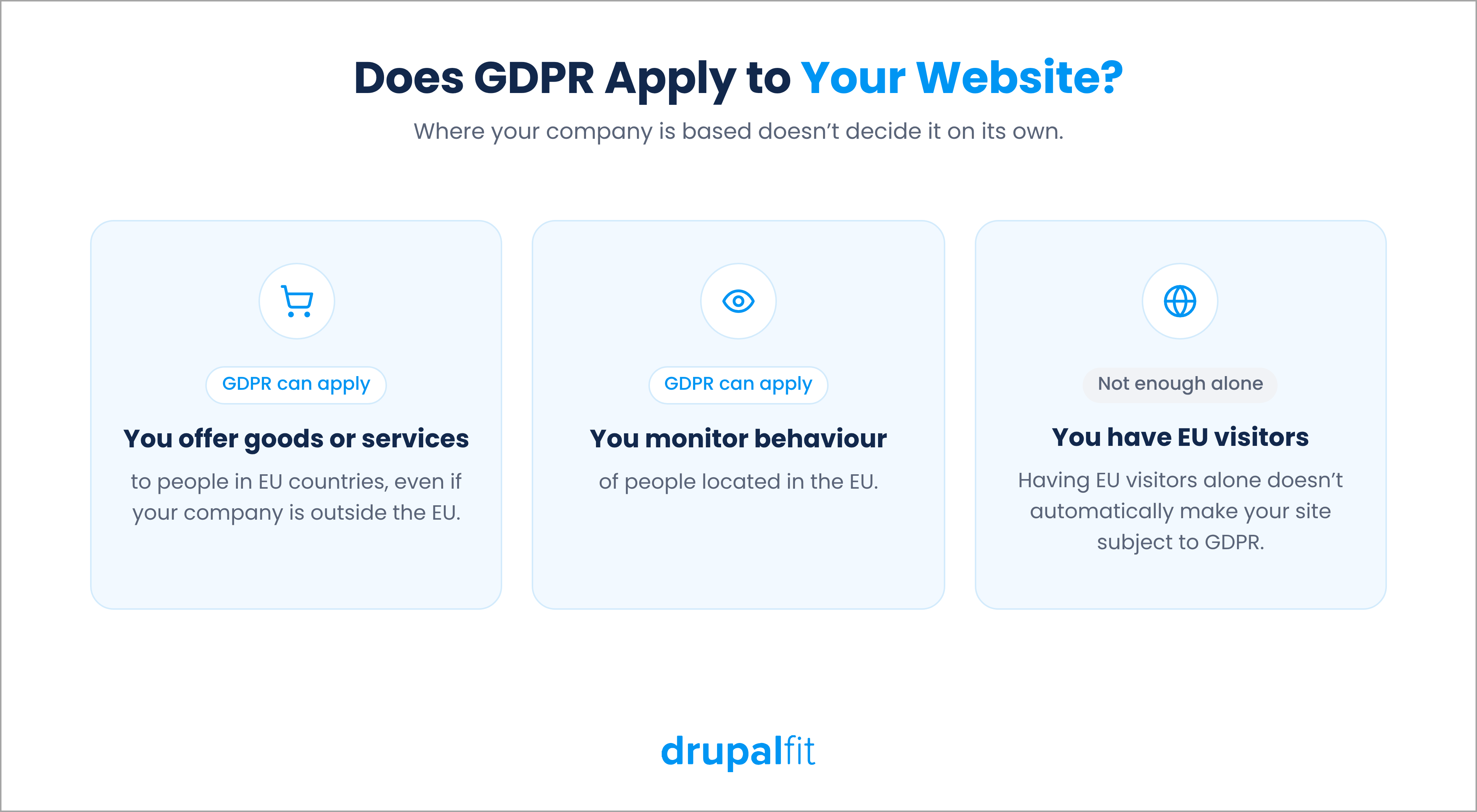
Check whether you target EU customers or offer services in EU countries. Having EU visitors alone does not automatically make your website subject to GDPR. The European Commission's guidance on territorial scope explains how these rules apply to organisations outside the EU. Getting scope right is the first step of GDPR compliance.
UK websites fall under UK GDPR, which the Information Commissioner's Office enforces. It follows the same core principles, so this checklist applies there too.
2. Have You Identified Every Place Your Website Collects Personal Data?
Map every point where your website collects or processes personal data. This includes contact forms, newsletter subscriptions, account registrations, checkout pages, chat widgets and analytics tools.
For each activity, record the following.
- What personal data you collect and why.
- Who receives or processes it.
- How long you retain it and where you store it.
Remove unnecessary data collection and identify forgotten integrations. This inventory also supports your record of processing activities, which certain organisations must maintain under GDPR.
3. Do You Have a Lawful Basis for Every Data Processing Activity?
GDPR recognises six lawful bases. These include consent, contractual necessity, legal obligation and legitimate interests. Identify and document the appropriate basis for each activity. A missing basis is a gap in your GDPR compliance.
For instance, newsletter subscriptions generally rely on consent, while order processing may rely on contractual necessity. Fraud prevention may rely on legitimate interests if the organisation meets the relevant conditions and balances its interests against people's rights.
The European Data Protection Board's Guidelines 05/2020 on consent explain that valid consent must be freely given, specific, informed and unambiguous. Do not treat consent as the default for every activity.
4. Does Your Cookie Banner Respect Visitors' Choices?
Cookie banners are the most visible part of GDPR compliance, so regulators check them first. Test yours in a private browser window to see whether it respects visitors' preferences.
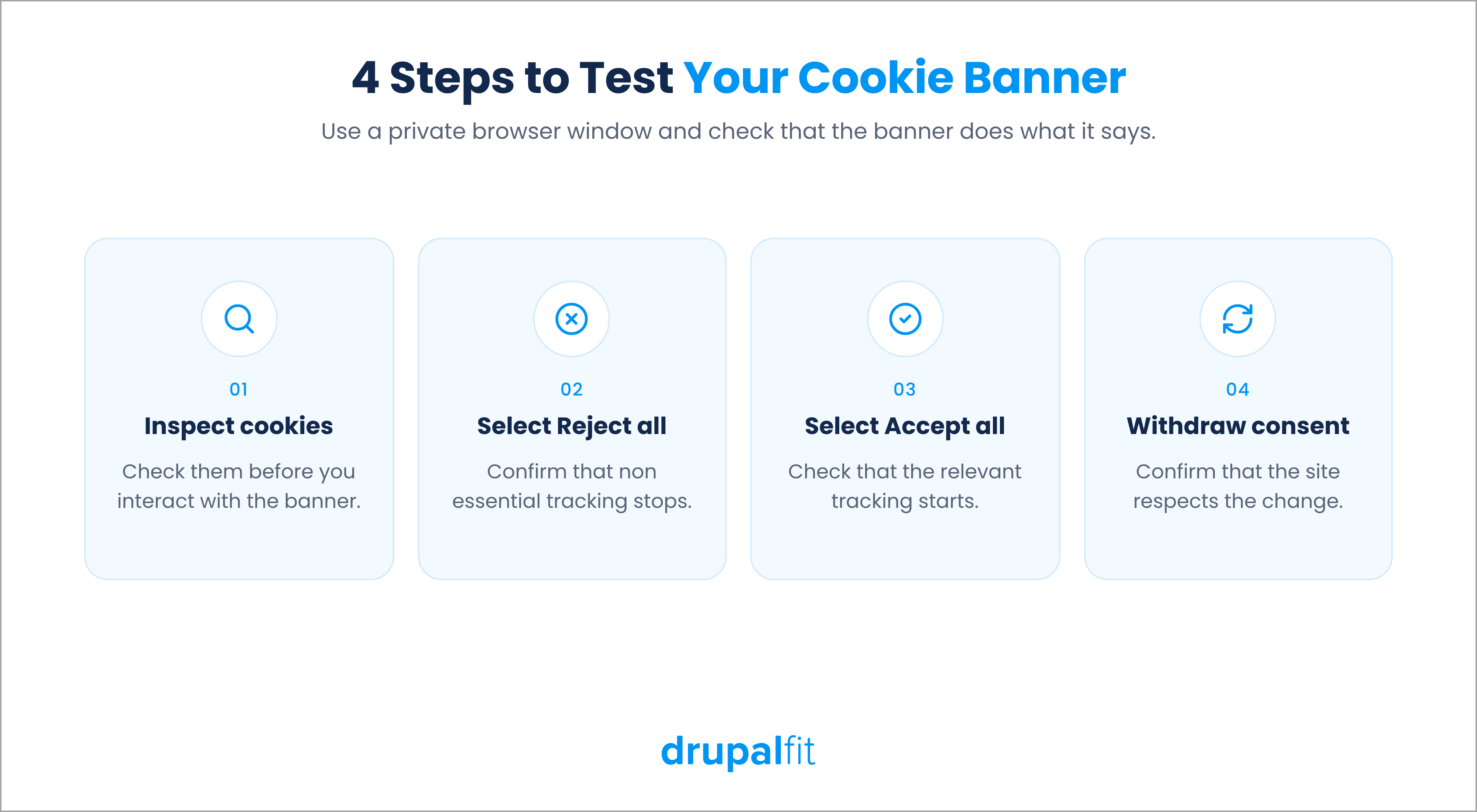
- Inspect cookies before interacting with the banner.
- Select Reject all and confirm that non-essential tracking stops.
- Select Accept all and check whether the relevant tracking starts.
- Withdraw consent and confirm that the site respects the change.
Do not preselect optional consent boxes or make rejection harder than acceptance. The EDPB's cookie banner task force identified missing rejection options, pre-ticked boxes and misleading interface designs as problematic practices.
5. Are Third Party Trackers Sending Data Before Consent?
Advertising pixels, analytics tools, embedded videos and externally hosted fonts can send data to third parties when a page loads.
To check, open your browser's developer tools, select the Network tab and reload the page. Review external requests and identify which services receive data before consent. Check whether your consent management platform controls optional tracking scripts.
Not every external request needs consent, but you should understand what each integration does. Where appropriate, host fonts locally and make optional tracking scripts wait for consent.
A 2022 German regional court case shows the risk of overlooking external requests. The court ordered a website operator to pay damages after the site sent a visitor's IP address to Google through externally hosted fonts.
6. Does Your Privacy Policy Match Your Website's Actual Practices?
Compare your privacy policy with your data inventory. The GDPR privacy policy requirements in Articles 13 and 14 say it should explain the following.
- Your organisation's identity and contact details.
- Why you process personal data and the lawful bases you rely on.
- Who receives the data and how long you retain it.
- Relevant international transfers and how individuals can exercise their rights.
Check that the policy reflects your website's actual behaviour. For example, a promise not to share data may conflict with advertising tools that send information to third parties.
The European Commission recommends presenting privacy information in clear, plain language. Update the policy whenever your data practices change, because an outdated policy weakens your GDPR compliance.
7. Does Your GDPR Compliance Statement Make Verifiable Claims?
A GDPR compliance statement can describe the measures your organisation takes to protect personal data. It differs from a privacy policy, which explains how you collect and use that data.
GDPR does not require every organisation to publish a separate public GDPR compliance statement. However, customers and business partners may request information about your data protection practices.
If you publish one, describe your security controls, staff training, vendor management and data rights procedures accurately. Avoid claims like "fully GDPR compliant" unless you can prove them. Base your statements on documented measures and review them whenever your processes change.
8. Can Your Team Handle Data Rights Requests on Time?
People have rights under GDPR to access their personal data, correct inaccuracies, request erasure and exercise other applicable rights. Your team needs a clear process for handling these requests, and handling them on time is a core part of GDPR compliance.
Test the process by submitting a request through your published privacy contact or form.
- Check how quickly it reaches the responsible person.
- Check how your team verifies identity and whether it can locate records across your CRM and email platform.
- Test deletion requests across connected systems where erasure is required.
Organisations generally have one month to respond. GDPR allows an extension of up to two additional months for complex or numerous requests. This only applies if the organisation informs the individual within the initial month and explains the delay.
9. Are Your Security Controls and Breach Procedures Ready?
GDPR requires appropriate technical and organisational measures to protect personal data. Review your website's HTTPS configuration, administrator access, authentication controls, software updates and backups. Restrict access to people who need the data for their work.
Prepare a breach response plan that identifies who investigates incidents, assesses their impact and contacts the relevant parties. Weak security can undo your GDPR compliance even when your banner and policy look perfect.
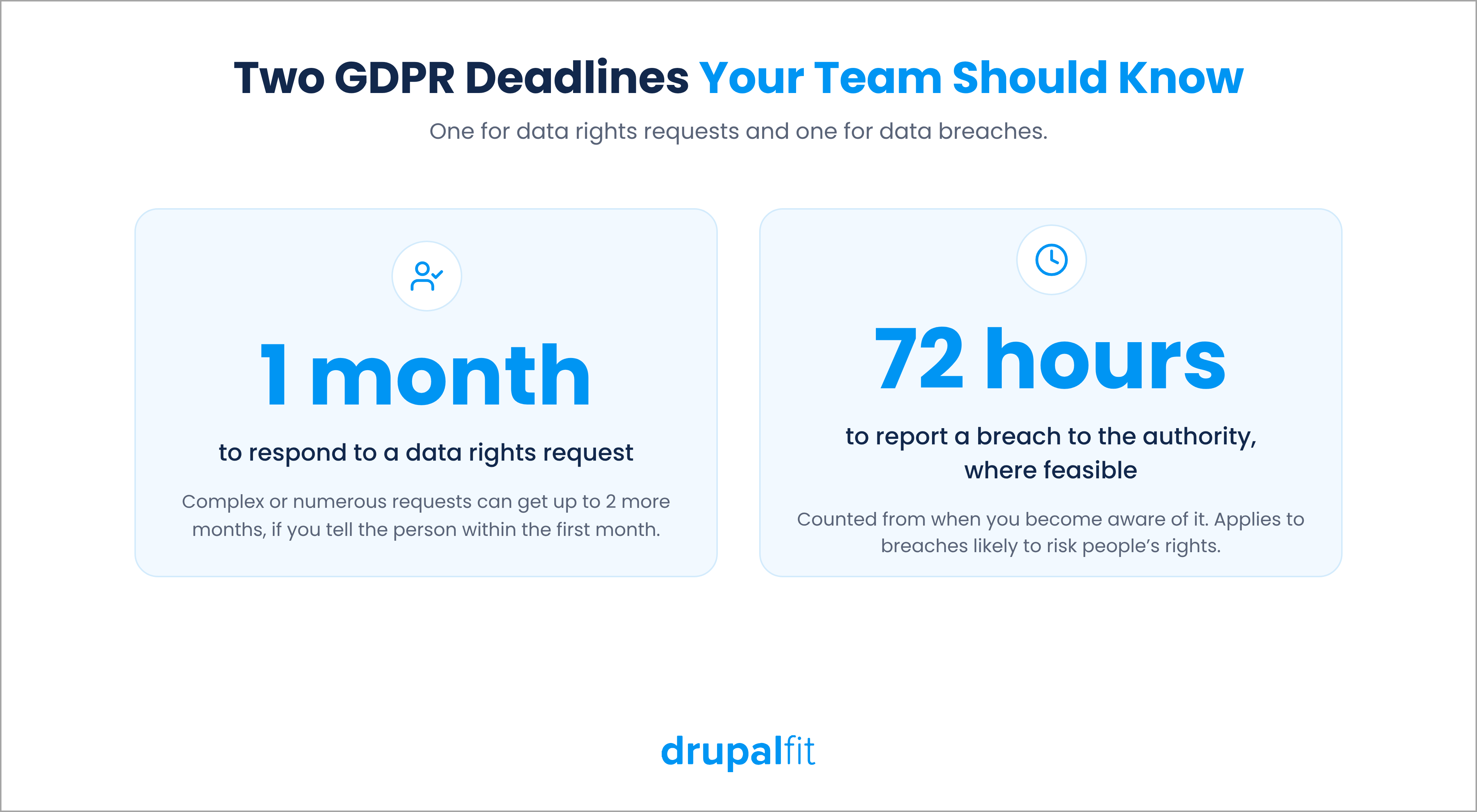
When a personal data breach is likely to risk people's rights and freedoms, you must notify the relevant supervisory authority without undue delay and, where feasible, within 72 hours of becoming aware of it.
10. Do You Review Vendors and Repeat Your Audit Regularly?
Review every vendor that processes website data, including hosting providers, analytics platforms, email services, CRM systems and customer support tools.
- Confirm that the necessary data processing agreements are in place.
- Review vendor access and security arrangements.
- Check where vendors store and process personal data.
- Assess safeguards for international data transfers.
GDPR Article 28 sets requirements for contracts between controllers and processors, while Articles 44 onwards cover international data transfers.
Keep this GDPR compliance checklist close and conduct a GDPR compliance audit at least annually as a practical baseline. Repeat it after major website changes, new tracking integrations or vendor changes.
How Can DrupalFit Run a GDPR Compliance Audit on Your Website?
Manual reviews can uncover important problems, but they take time and may miss changes introduced by new plugins, scripts or integrations. DrupalFit provides website audits for Drupal sites, including a built-in GDPR audit that looks at consent practices, tracker behaviour and privacy documentation, the same areas covered by this GDPR compliance checklist.
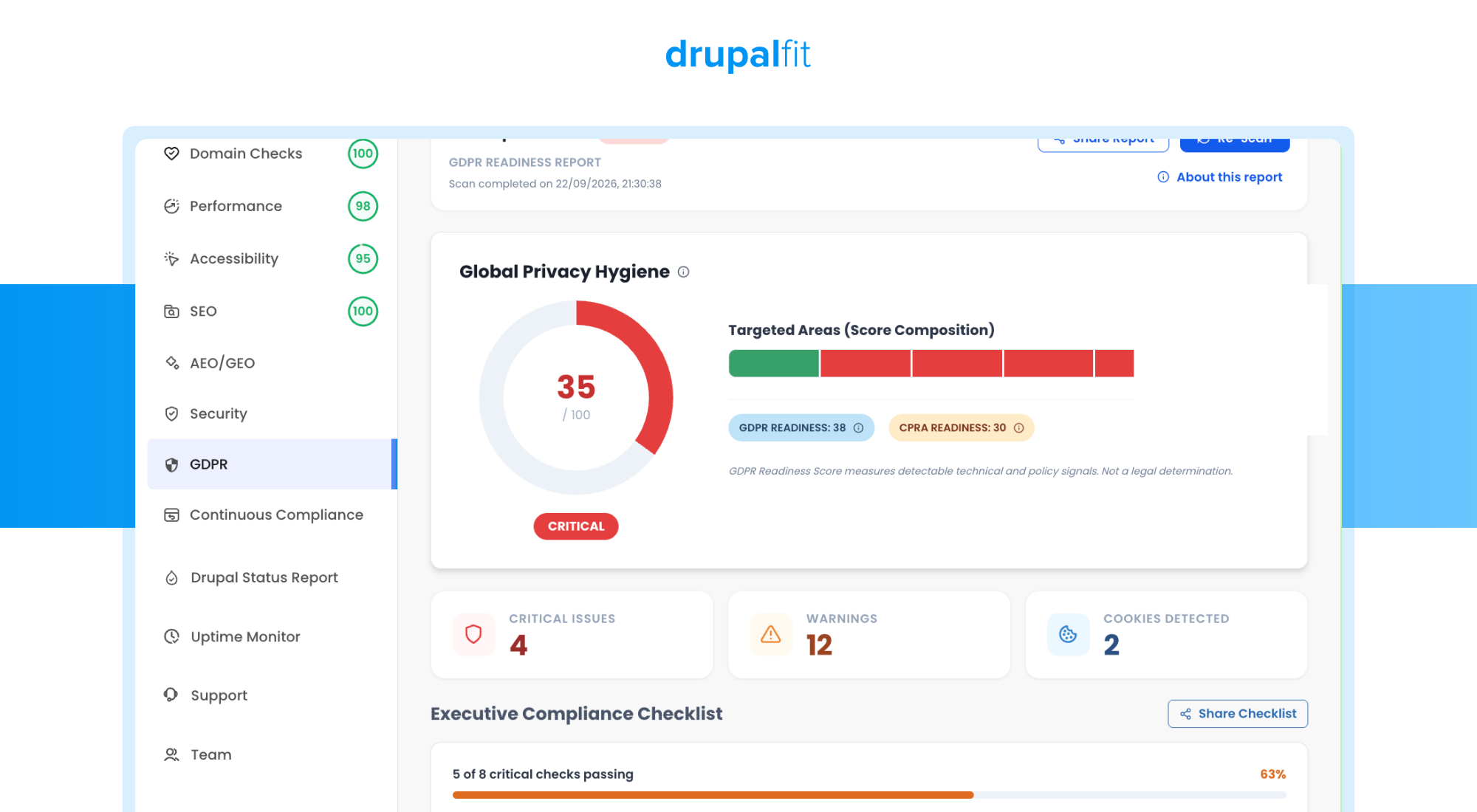
To run a GDPR compliance audit on your website, follow these steps.
- Visit DrupalFit and enter your website URL.
- Select Conduct Audit and wait for the report.
- Open the GDPR section.
- Review the readiness score and the issues listed in the report.
- Address the identified issues and run another audit to check your progress.
DrupalFit's audit can help you identify technical gaps and prioritise further investigation. However, an automated result does not certify that your organisation meets every GDPR requirement. Legal basis assessments, vendor contracts, retention practices and data rights procedures may require separate review.
Regular automated audits give your team a repeatable way to identify technical issues, track fixes and review changes over time.
FAQs
What Is GDPR compliance for a website?
GDPR compliance means following the EU’s data protection law whenever your website collects, uses or stores personal data.
Do US websites need to be GDPR compliant?
Yes, if they offer goods or services to people in the EU or monitor their behaviour there. A US website that does not target the EU generally falls outside GDPR.
How can you check if your website Is GDPR compliant?
Work through a GDPR compliance checklist and test your live site, starting with cookie consent, trackers and your privacy policy.
What Is a GDPR compliance statement?
A GDPR compliance statement is a public page explaining how your organisation protects personal data.