
GDPR Compliance Checklist for 2026: What Every Website Actually Needs to Cover
Palak Agrawal
Published on August 20, 2026
10 min read
Share on:
GDPR compliance is not something you can establish by adding a privacy policy to your website and calling it done.
A typical website may collect names and email addresses through forms, use cookies and analytics tools, create user accounts, send marketing emails, connect with a CRM, and share information with third-party services. Each of these activities can involve personal data and comes with its own compliance considerations.
That is why a GDPR compliance checklist is useful. It turns a broad regulation into practical questions: What data do you collect? Why do you need it? What legal basis allows you to process it? What have you told people? Can they exercise their rights? How is their data protected? And what happens if something goes wrong?
In this article, we discuss in detail what GDPR is, GDPR full form, gdpr checklist, and how you can make sure that your website is gdpr compliant.
What Is GDPR and Who Does It Apply To?
GDPR full form is General Data Protection Regulation. It is the EU's framework for protecting personal data and regulating how organisations process it.
Personal data includes obvious information like names, email addresses, phone numbers, and account details. It can also include IP addresses, online identifiers, location information, employee records, and other information that can be linked to an identifiable person.
GDPR can apply to organisations outside the EU as well. Broadly, Article 3 covers organisations that have an establishment in the EU or that offer goods or services to people in the EU or monitor their behaviour there.
For website owners, that can bring ordinary digital activities into scope, including:
- Contact and enquiry forms
- User accounts
- Newsletter subscriptions
- Cookies and analytics
- Advertising and tracking technologies
- Customer support systems
- Recruitment forms
- E-commerce transactions
- Third-party integrations
- AI-powered features
GDPR also follows an important principle: accountability. Organisations need to be able to demonstrate that their processing complies with the regulation, not simply say that they take privacy seriously.
That is where a structured checklist becomes useful.
What Does a GDPR Compliance Checklist Actually Need to Cover?
A useful checklist should follow the way personal data moves through your organisation.
Start by understanding what information you collect and where it goes. Then establish why you are allowed to process it, tell people what you are doing, give them a way to exercise their rights, and put appropriate controls around the data.
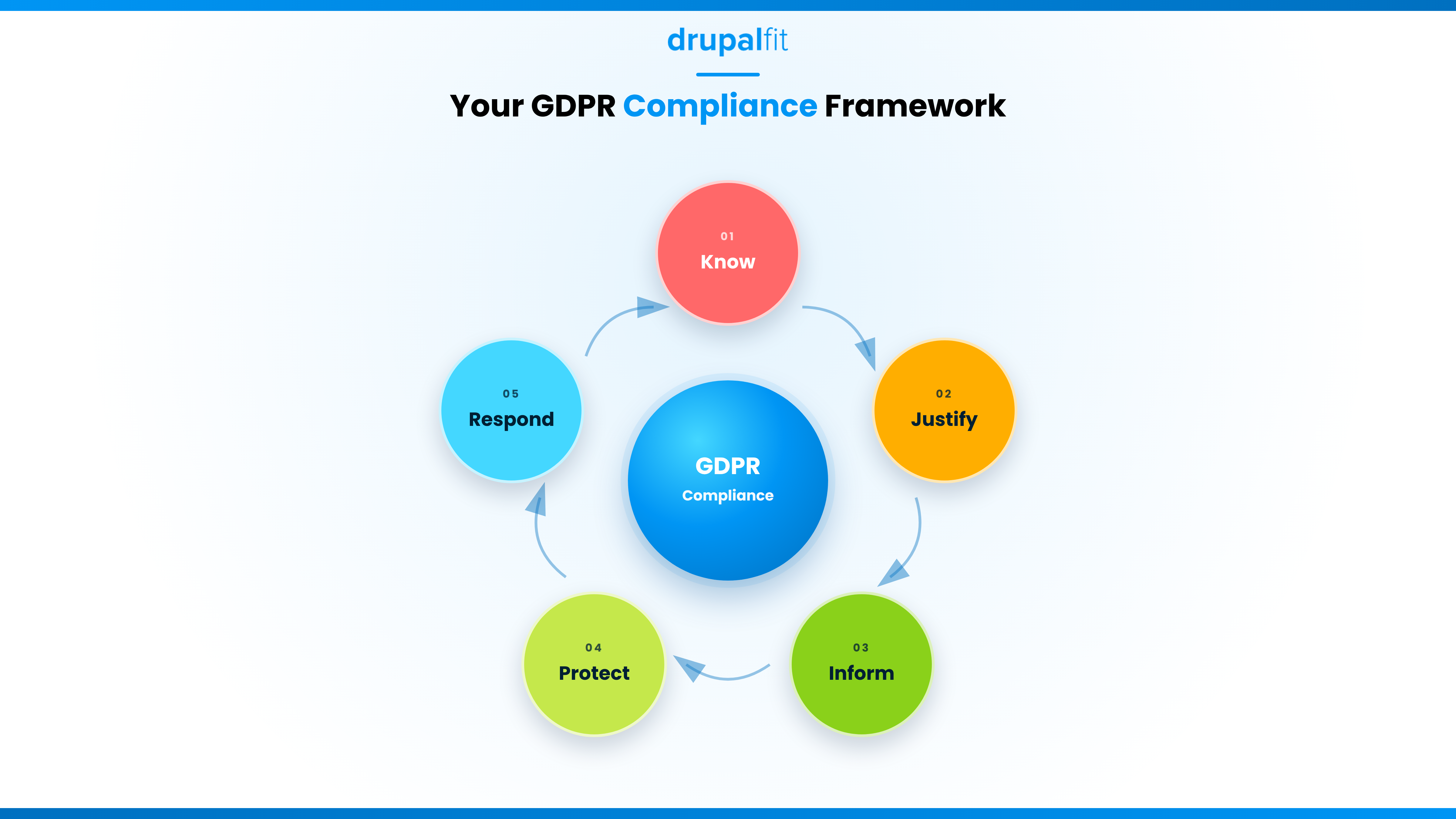
At a minimum, your GDPR checklist should cover:
Area | GDPR Article | What You Need to Do |
Data mapping | Article 30 | Document what personal data you collect, where it lives, and why. |
Lawful basis | Article 6 | Identify one of six legal bases for every processing activity. |
Privacy notice | Articles 12–14 | Publish clear, complete information about your data practices. |
Consent | Articles 7–8 | Make sure consent is freely given, specific, and easy to withdraw. |
Data subject rights | Articles 15–22 | Build a process to handle all eight individual rights. |
DPO appointment | Article 37 | Appoint a Data Protection Officer if you meet any of the three triggers. |
DPIA | Article 35 | Run a Data Protection Impact Assessment before high-risk processing. |
Processor contracts | Article 28 | Put a data processing agreement in place with every vendor touching your data. |
Security measures | Article 32 | Apply encryption, access control, and breach detection. |
Breach response | Articles 33–34 | Have a tested plan ready, with a 72-hour notification clock. |
This table can work as a data protection checklist template, but it should not be treated as a one-time audit. Your data processing changes as your website, products, marketing stack, and technology change.
What Is the Right Lawful Basis for Processing Personal Data?
GDPR requires organisations to have a lawful basis for processing personal data. Article 6 provides six possible bases, and the right choice depends on the specific processing activity.
You should establish and document the appropriate basis before processing begins. The six lawful bases for processing are:
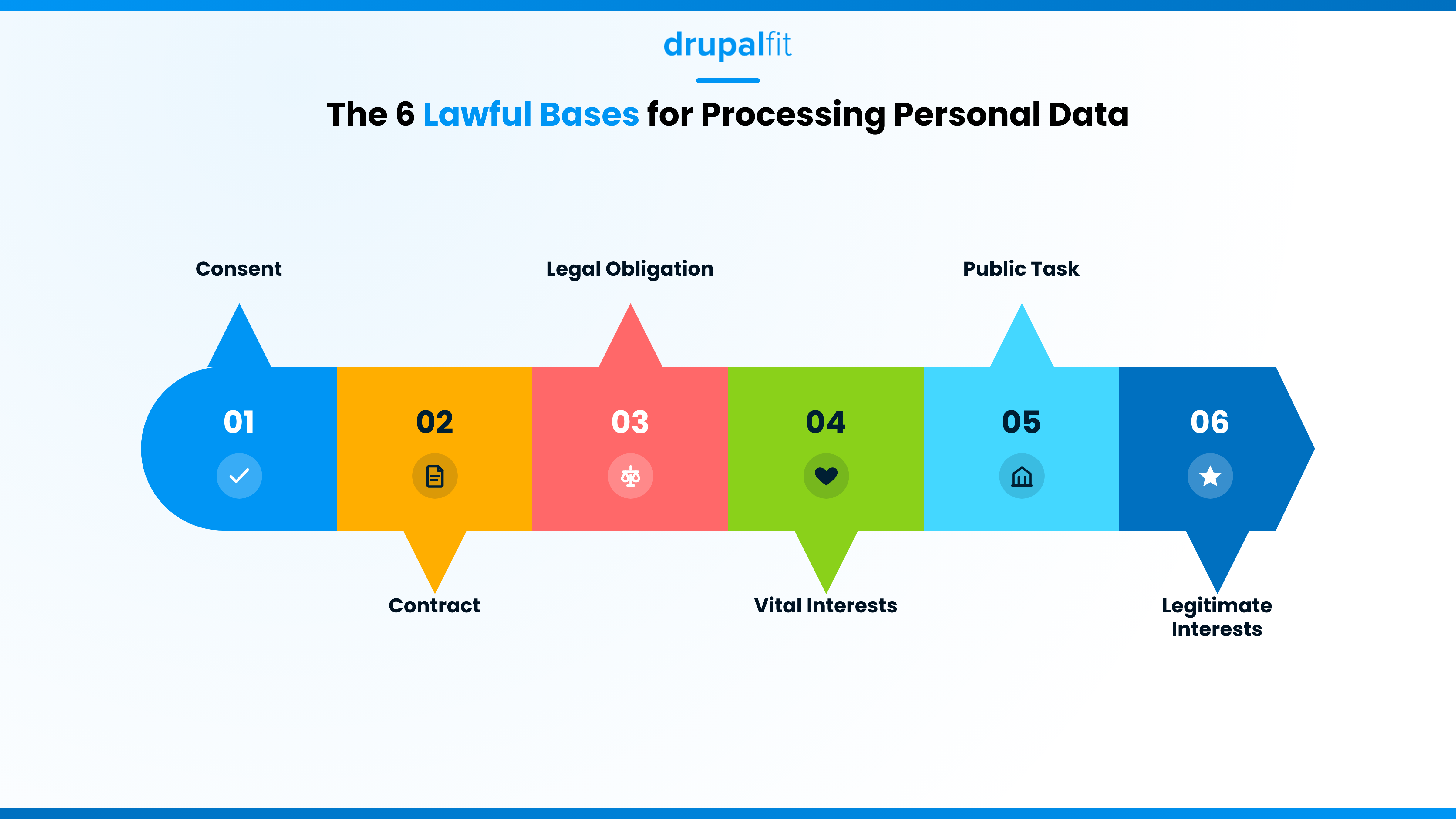
Consent: The individual has agreed to the processing for a specific purpose.
Contract: Processing is necessary to enter into or perform a contract with the individual.
Legal obligation: Processing is necessary to comply with a legal requirement.
Vital interests: Processing is necessary to protect someone's life or physical safety.
Public task: Processing is necessary to perform a task in the public interest or under official authority.
Legitimate interests: Processing is necessary for a legitimate interest, provided that the individual's rights and freedoms do not override that interest.
Consent is often treated as the default on websites, but it should not automatically be used for every activity. If processing is necessary to fulfil a contract, for example, contract may be the more appropriate basis.
Where consent is used, it must be freely given, specific, informed, and unambiguous. People should also be able to withdraw it as easily as they gave it.
Lawful processing also needs to be transparent. Your privacy notice should explain what data you collect, why you collect it, the relevant legal basis, how long you retain it, who receives it, and what rights individuals have.
What Rights Do Website Visitors Have Under GDPR?
GDPR gives individuals significant rights over their personal data. These rights need to exist in practice, not just appear in your privacy policy. Individuals have the right to:
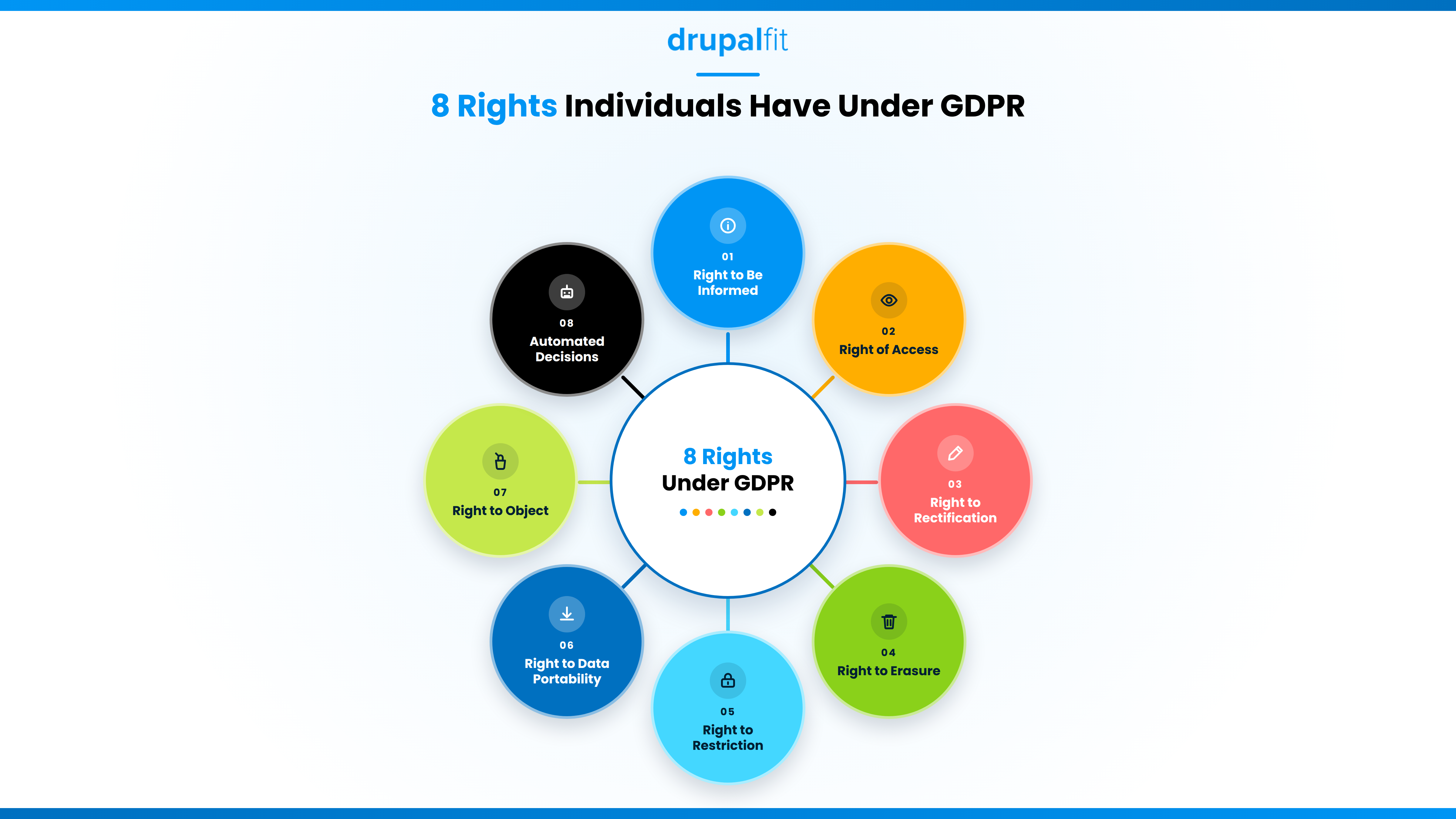
- Be informed about how their personal data is being processed.
- Access their personal data.
- Rectify inaccurate or incomplete information.
- Request erasure of their data in applicable circumstances.
- Restrict processing in certain situations.
- Receive portable data in applicable circumstances.
- Object to certain processing, including direct marketing.
- Receive protections relating to automated decision-making and profiling.
These rights are not absolute and can have specific conditions and exceptions. Each request therefore needs to be assessed according to the circumstances.
Handling a Data Subject Request in Practice
For most requests, organisations need to respond within one month. That period can be extended by up to two further months for complex cases or multiple requests, provided the individual is informed within the first month.
The bigger challenge is often finding the information in the first place.
A person may have submitted a contact form, created an account, subscribed to marketing, contacted support, and interacted with analytics or other third-party systems.
For a Drupal website, personal data can potentially exist across user accounts, web forms, databases, logs, cookies, integrations, and other modules or services.
Your process should therefore make it clear:
- Where personal data is stored
- Which systems process it
- Which third parties receive it
- How information can be retrieved
- Who owns the response
- How requests are documented
Good data mapping makes these requests much easier to handle.
What Do You Need to Do Before and After a Data Breach?
Security is not about finding a single tool that makes a website "GDPR compliant." Article 32 requires technical and organisational measures that are appropriate to the risks associated with the processing.
For a website or digital product, your security review should cover areas like:
- Access controls and user permissions
- Strong authentication for privileged accounts
- Encryption where appropriate
- Regular patching and updates
- Vulnerability management
- Monitoring and logging
- Backups and recovery
- Incident response procedures
Of these, patching is often the one that slips first. Running outdated or unsupported Drupal versions leaves known vulnerabilities unpatched indefinitely, which is exactly the kind of gap Article 32 asks you to close.
For software development teams, security and privacy should also be considered while features are being designed and built. This is particularly important for a GDPR compliance checklist for software development, where data minimisation, privacy by design, access controls, retention, and third-party integrations need to be considered before release.
How Is GDPR Compliance Changing Under the Digital Omnibus and the AI Act?
Before we conclude, we would like to bring your focus to two major EU developments:
- Digital Omnibus
- EU AI Act
While neither replaces GDPR, both can affect how organisations approach data protection and AI-related processing.
The Digital Omnibus includes a proposal to raise the employee threshold for certain exemptions from maintaining records of processing activities under Article 30 of the GDPR, from fewer than 250 to fewer than 750 employees, and to simplify the associated conditions. As of August 2026, this remains a proposal under negotiation, so organisations should continue following the current GDPR requirements until any amendment formally enters into force.
The EU AI Act is more directly relevant to software teams. If an AI system processes personal data, GDPR still applies to that processing, and the AI Act may introduce additional obligations depending on how the system is classified and used. For example, teams using customer data with AI systems, profiling users, automating decisions, or sending personal data to AI providers need to consider both frameworks.
A related Digital Omnibus on AI has been adopted in 2026 and adjusts some AI Act deadlines (including for high‑risk systems), but it does not change the underlying GDPR obligations.
In a nutshell, when introducing an AI feature, review its GDPR implications alongside the requirements that apply under the AI Act (as amended by the 2026 AI Omnibus). This is exactly why a GDPR compliance checklist for software development teams now needs to track the AI Act too, not just GDPR alone.
Keep Your Website Compliance-Ready Using DrupalFit
GDPR compliance is not a one-time exercise. As your website, tools, integrations, and data practices change, your compliance needs to evolve with them. Regular reviews help you catch gaps early and keep your privacy, security, and data protection practices aligned with what your website actually does.
For Drupal teams, DrupalFit makes this easier by bringing GDPR and CPRA readiness together with accessibility, security, performance, SEO, and AI visibility checks in one platform. Instead of relying on a static checklist, you can continuously monitor your website and identify areas that need attention.
FAQs
What is the GDPR full form?
GDPR stands for General Data Protection Regulation. It is the EU regulation governing the protection and processing of personal data.
What is the first step in a GDPR compliance checklist?
Start with data mapping. Identify what personal data you collect, where it is stored, why you process it, who receives it, and how long you retain it.
Is there a different GDPR compliance checklist for software development teams?
GDPR requirements remain the same, but development teams must consider privacy throughout the product lifecycle, including data minimisation, security, retention, and third-party integrations.
How often should I review my GDPR compliance checklist?
Review it at least once a year, and sooner whenever there is a significant change to your data processing, website, technology, vendors, or AI systems.