
ADA Title II Compliance Deadline for Universities and What to Do Before April 2027
Palak Agrawal
Published on October 21, 2026
8 min read
Share on:
More than 1 in 4 adults in the US has a disability, making accessible digital compliance essential for public universities. Students rely on university websites to apply for admission, register for courses, and access learning materials. Inaccessible forms, poorly structured documents, and menus that do not support keyboard navigation can prevent students with disabilities from completing these tasks independently.
The ADA Title II digital accessibility rule, issued by the US Department of Justice in 2024, sets specific website and mobile app accessibility requirements for public universities under Title II of the Americans with Disabilities Act (ADA).
With the ADA Title II compliance deadline approaching in April 2027, universities need to review their digital services, identify accessibility barriers, and plan the necessary fixes. Meeting ADA Title II website accessibility expectations starts with knowing which services, pages, and documents are affected.
Understanding the ADA Title II Digital Accessibility Rule
The Department of Justice’s rule gives public universities a technical standard for assessing website accessibility. It makes WCAG 2.1 Level AA compliance the benchmark, subject to specific exceptions.
These guidelines cover how people perceive information, navigate websites, and interact with digital content. For example, a student using a screen reader should be able to understand form fields and error messages, while a student who cannot use a mouse should be able to navigate a registration portal with a keyboard.
Universities must therefore look beyond the appearance of their websites. They need to assess whether people with different disabilities can access information and complete tasks independently.
Who Must Meet the ADA Title II Compliance Deadline?
Before planning accessibility work, universities should establish which compliance deadline applies to their governing entity. The ADA Title II compliance deadline depends on the population of the state or local government entity responsible for the university, not the number of students enrolled.
Covered entity | Compliance deadline |
Public entities serving populations of 50,000 or more | April 26, 2027 |
Public entities serving populations below 50,000 | April 26, 2028 |
Special district governments | April 26, 2028 |
These dates reflect the US Department of Justice’s 2026 extension. Universities should confirm the deadline that applies to their governing entity before setting their compliance schedule.
Private universities do not fall under this particular Title II rule, although other federal and state laws may impose accessibility obligations on them.
Which University Websites and Digital Resources Must Meet Web Accessibility Requirements?
Universities rarely manage all their digital services through a single website. Admissions departments, libraries, academic faculties, and administrative teams may maintain separate pages and documents. Students may also use dedicated portals, learning platforms, mobile applications, and external tools to access university services.
This means an accessibility review must cover more than the main institutional website. Depending on the applicable web accessibility requirements and exceptions, universities may need to assess:
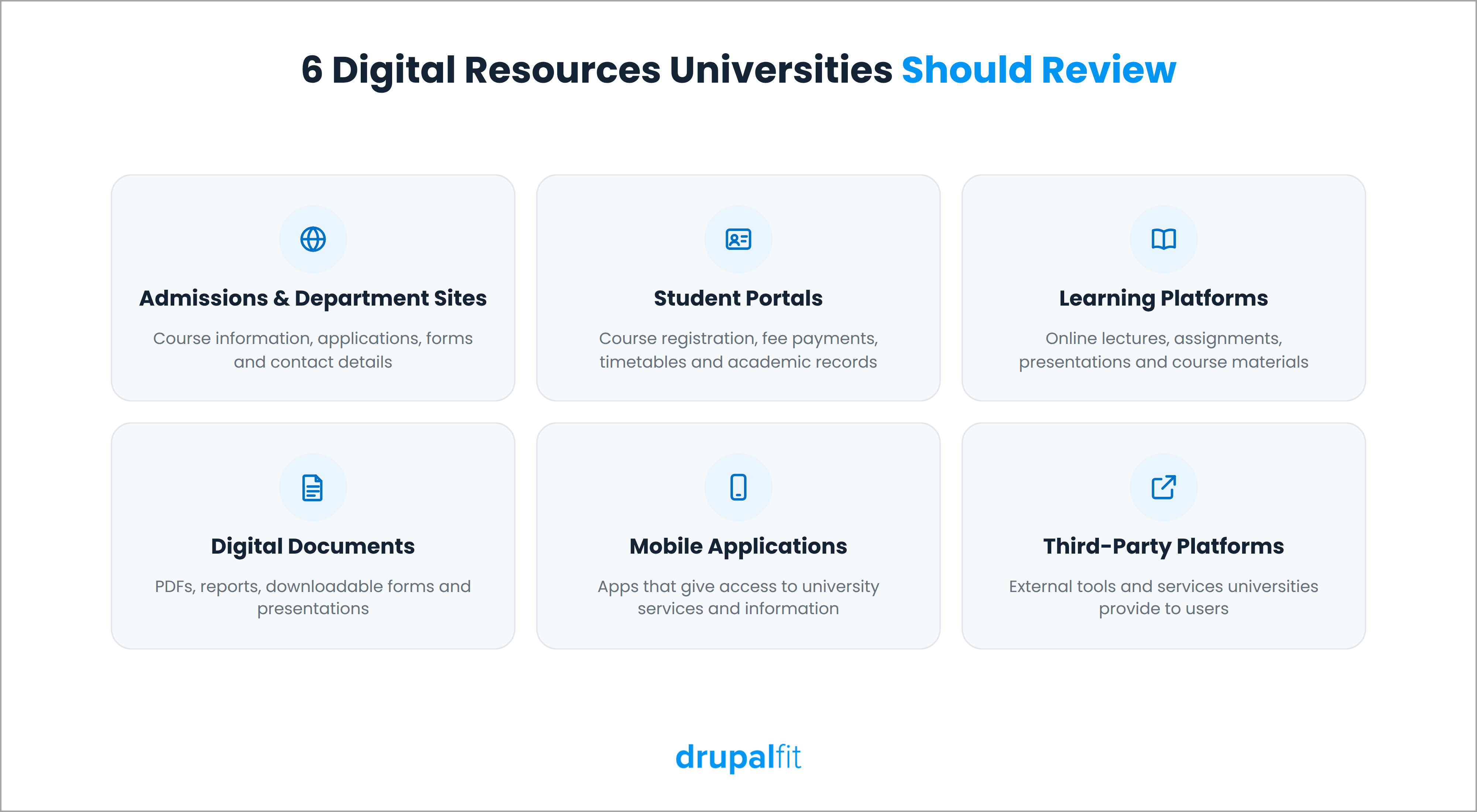
- Admissions and departmental websites: Course information, application instructions, forms, and contact details.
- Student portals: Course registration, fee payments, timetables, and academic records.
- Learning platforms: Online lectures, assignments, presentations, and other course materials.
- Digital documents: PDFs, reports, downloadable forms, and presentations.
- Mobile applications: Apps that provide access to university services and information.
- Third-party platforms: External tools and services that universities provide or make available to users.
Each resource can create different accessibility barriers. An admission form might contain unlabeled fields, while a scanned PDF might prevent screen readers from reading its text. A learning platform might also contain controls that keyboard users cannot reach.
Universities should identify these resources before deciding where to focus their efforts. After establishing which resources need attention, universities can assess them against WCAG 2.1 Level AA and identify the changes needed to meet the web accessibility requirements.
What Do the Web Content Accessibility Guidelines WCAG 2.1 Level AA Require in Practice?
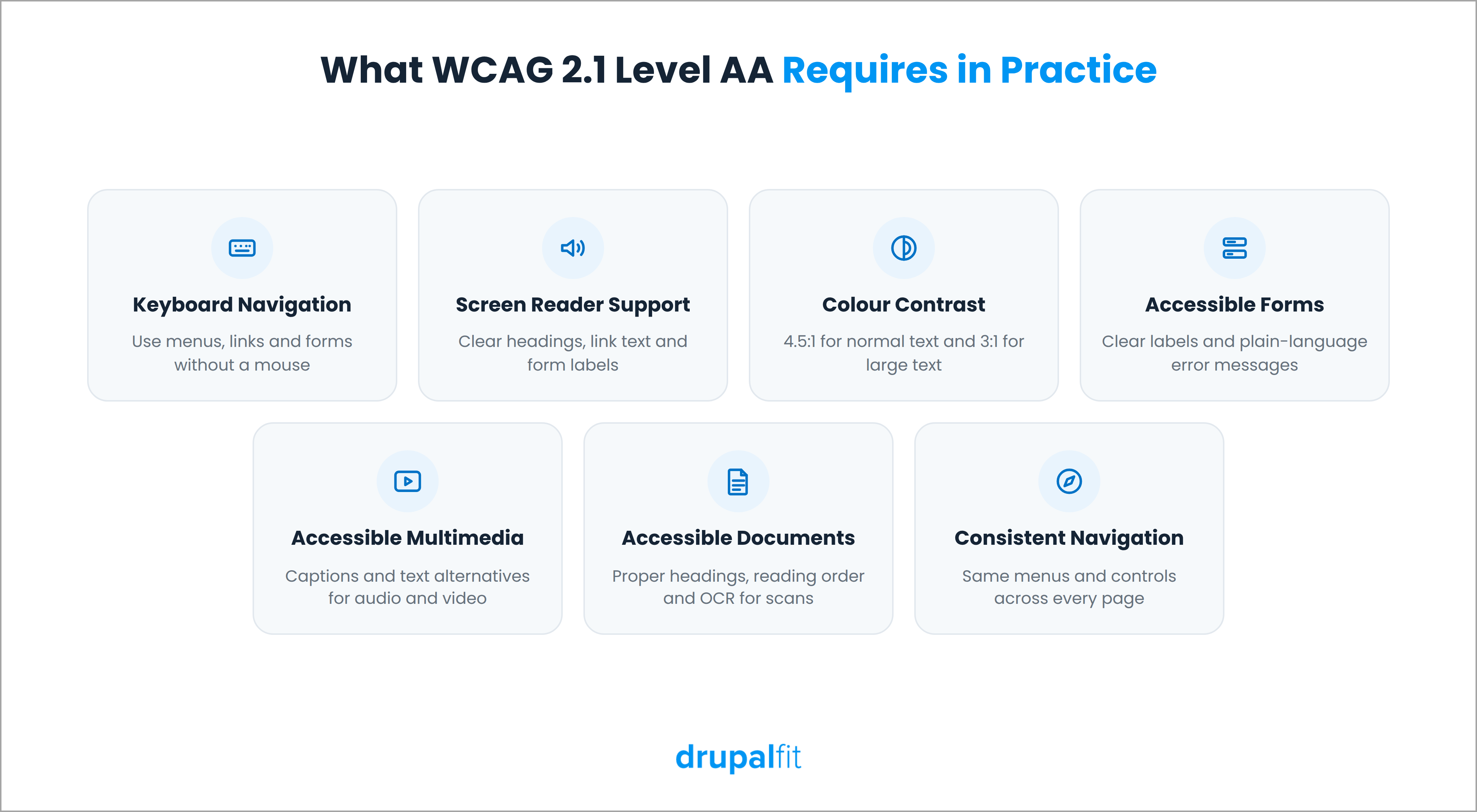
The web content accessibility guidelines WCAG 2.1 Level AA translate accessibility into technical requirements that universities can check across their websites and digital content. These requirements cover the following areas.
1. Keyboard Navigation
Users should be able to navigate menus, links, forms, and buttons without a mouse. Provide visible focus indicators and a logical navigation order so users can follow each interaction.
2. Screen Reader Compatibility
Use descriptive headings, meaningful link text, and properly labelled form fields. Add alternative text to images that convey important information so screen readers can describe them.
3. Colour Contrast and Text Readability
Maintain a contrast ratio of at least 4.5:1 for normal text and 3:1 for large text. Users should also be able to resize text without losing content or functionality.
4. Accessible Forms
Label fields clearly and explain errors in plain language. Users should be able to identify and correct mistakes when completing admission, registration, and payment forms.
5. Accessible Multimedia
Provide captions for prerecorded videos with audio and text alternatives for audio-only content. Add alternative text to meaningful images so users can access information conveyed through visuals.
6. Accessible Documents
Use proper headings, readable text, and a logical reading order in PDFs and presentations. Scanned documents may require optical character recognition (OCR) to make their text readable by assistive technologies.
7. Consistent Navigation
Keep menus and controls consistent across pages. Use descriptive link labels and avoid unexpected changes that interrupt navigation.
These checks address common accessibility problems, but they do not cover every WCAG criterion. Universities must assess the full set of applicable requirements before deciding whether their digital services meet the rule.
How Can Universities Check Whether Their Websites Meet WCAG 2.1 Level AA Compliance?
Universities need to identify accessibility barriers across their websites, applications, and digital documents. They can start by listing these resources and testing essential tasks, such as submitting admission forms, registering for courses, and accessing learning materials.
An accessibility auditing tool like DrupalFit can help teams scan website pages for issues such as missing alternative text, insufficient colour contrast, form labelling problems, and structural errors. Its reports can help identify affected URLs and give teams a starting point for remediation.
A basic assessment process for WCAG 2.1 Level AA compliance should include these steps:
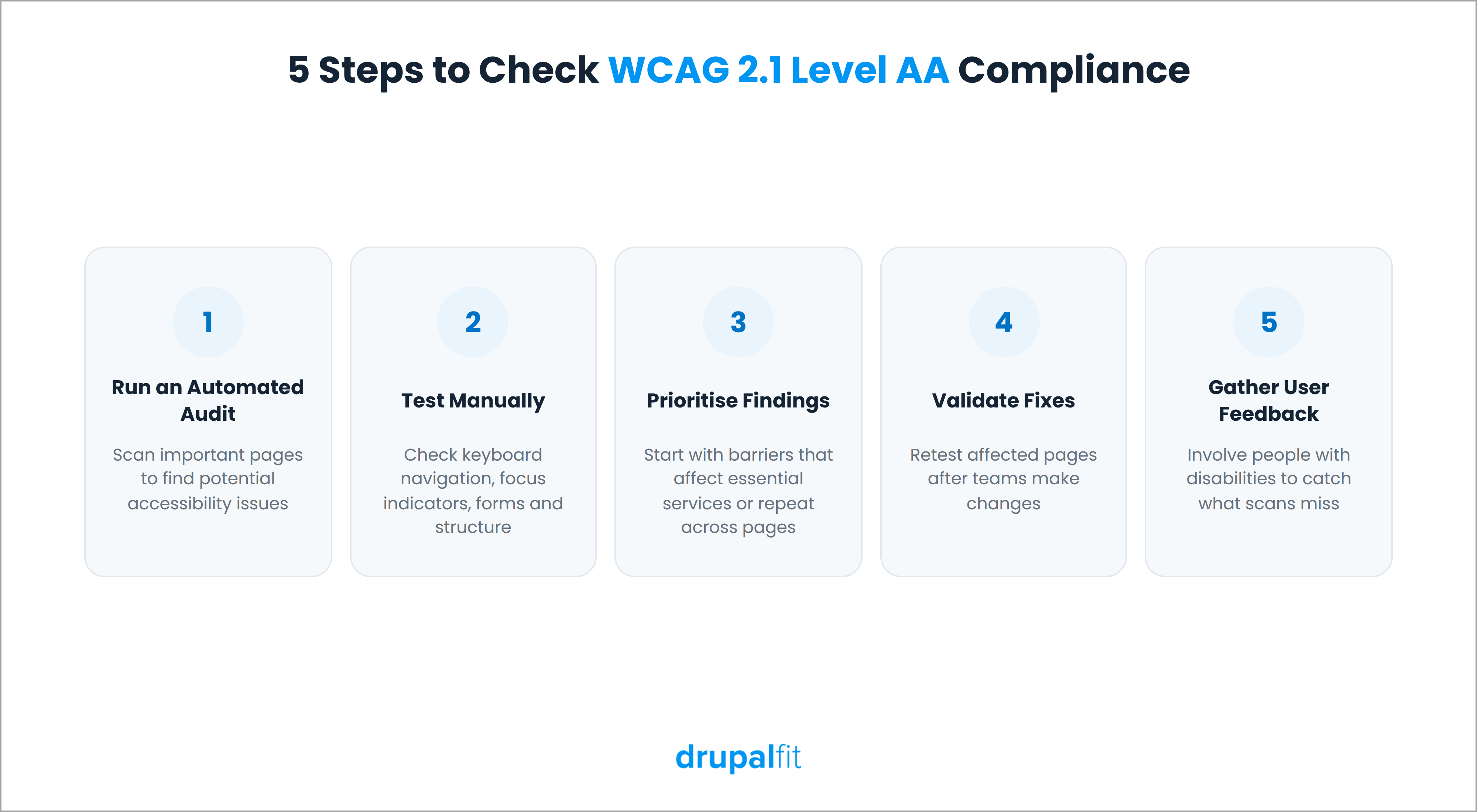
- Run an automated audit: Scan important pages to identify potential accessibility issues.
- Test manually: Check keyboard navigation, focus indicators, forms, and content structure. Use screen readers where appropriate.
- Prioritise findings: Identify barriers that affect essential services or appear across multiple pages.
- Validate fixes: Retest affected pages after developers and content teams make changes.
- Gather user feedback: Involve people with disabilities to identify problems that automated checks may miss.
How Can Universities Maintain Web Accessibility Compliance?
Once universities fix existing problems, they need to prevent the same issues from returning. New pages, uploaded documents, website redesigns, and software updates can all introduce accessibility barriers.
The most effective way to manage web accessibility compliance is to include accessibility in the processes teams already follow. IT teams can check new features before deployment, communications teams can review published content, and faculty members can follow guidelines when uploading course materials.
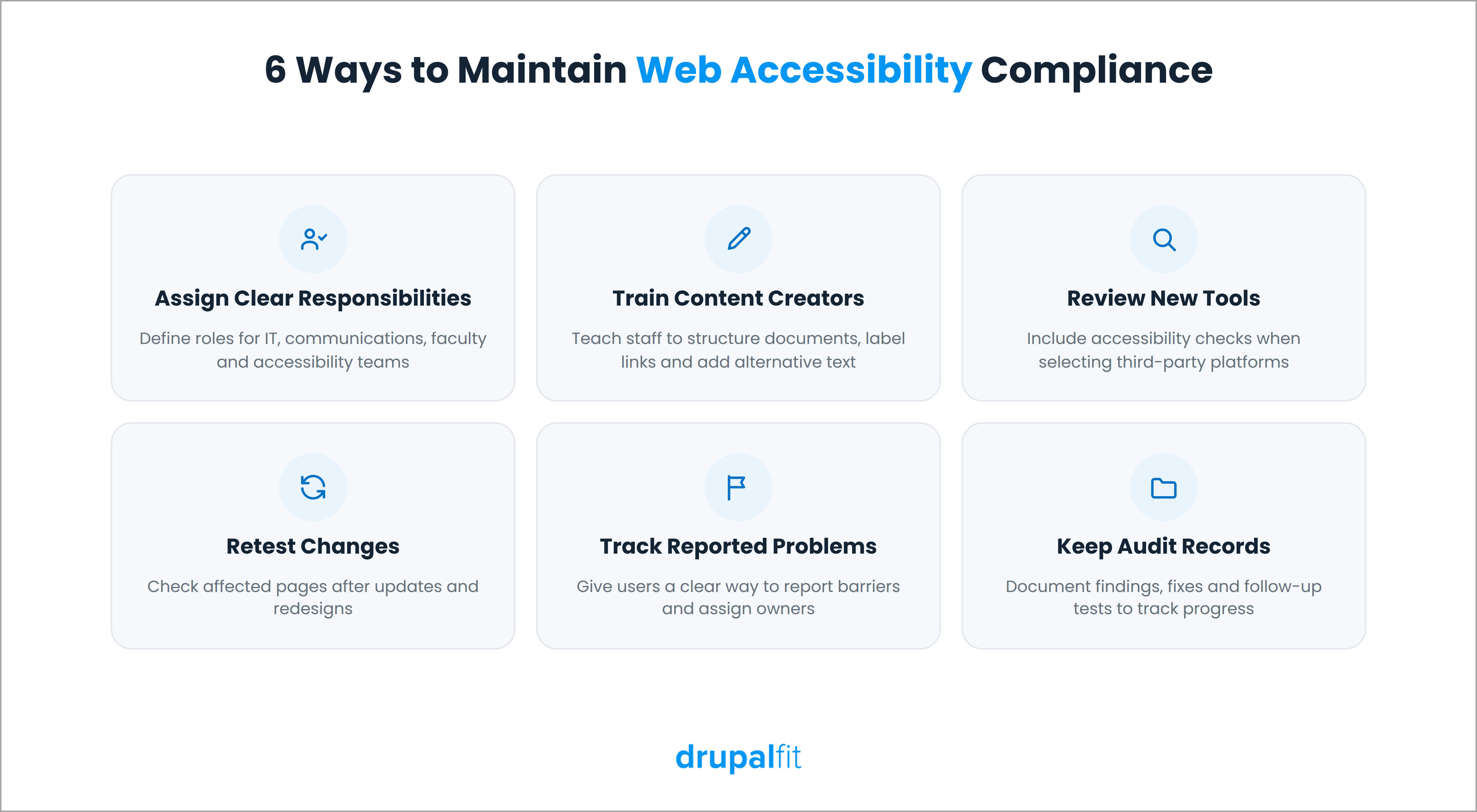
Universities should also:
- Assign clear responsibilities: Define the roles of IT, communications, faculty, and accessibility teams.
- Train content creators: Teach staff to structure documents, label links, and add alternative text correctly.
- Review new tools: Include accessibility checks when selecting third-party platforms and software.
- Retest changes: Check affected pages after updates and redesigns.
- Track reported problems: Give users a clear way to report barriers and assign teams to resolve them.
- Keep audit records: Document findings, fixes, and follow-up tests to track progress.
These steps help universities catch problems during routine work rather than wait for another full website audit.
The Bottom Line
The ADA Title II compliance deadline in April 2027 gives public universities a clear reason to review their digital accessibility now. They need to identify barriers across websites, mobile apps, forms, and digital documents, then address them against the applicable web content accessibility guidelines WCAG 2.1 Level AA criteria. Automated scans, manual testing, and feedback from people with disabilities can help teams find and fix issues.
Accessibility requires ongoing attention, not a one-time audit. Regular testing and a clear process for resolving issues can help universities sustain web accessibility compliance and meet their obligations under ADA Title II.
Run a free website accessibility audit now!
FAQs
What does ADA Title II compliance mean for universities?
Public universities must make their websites, mobile apps, and digital content accessible under WCAG 2.1 Level AA, as required by the 2024 DOJ rule.
When is the ADA Title II deadline for public universities?
The deadlines are April 26, 2027, for public entities serving 50,000 or more people, and April 26, 2028, for smaller entities and special district governments.
Does ADA Title II apply to private universities?
No. Title II covers public entities. Private universities may still have accessibility obligations under Title III of the ADA and other laws.
Is WCAG 2.1 AA a legal requirement for universities?
Yes. Public universities covered by the Title II rule must meet WCAG 2.1 Level AA for their websites and mobile apps, subject to specific exceptions.