
10 Best Accessibility Checker Tools for Websites 2026
Palak Agrawal
Published on August 25, 2026
12 min read
Share on:
Auditing a website for accessibility is manageable when you have only a few pages. But as your website grows, manually checking every page for accessibility issues becomes time-consuming and easy to get wrong.
You need to identify WCAG issues quickly, understand what needs fixing, and make sure new changes do not introduce more problems. Missing accessibility issues can also leave your website exposed to compliance and legal risks. Yes, you read that correctly.
Depending on where you operate and which users you serve, accessibility requirements can create legal and regulatory obligations. For example, the European Accessibility Act has applied to many covered products and services since June 28, 2025.
This is where website accessibility tools can help. They automate checks across your website, identify common accessibility issues, and give your development team clear findings to work on.
But with so many options available, how do you choose the right accessibility checker for website testing? We have compiled a list of 10 of the best accessibility tools for websites in 2026 to help you find the right one for your needs.
What Are Web Accessibility Testing Tools?
A web accessibility testing tool scans your site's code and content against a set of rules, usually WCAG 2.1 or 2.2, and then tells you exactly where you fall short. It checks color contrast, alt text on images, keyboard-only navigation, ARIA labels, heading order, and dozens of smaller details that are easy to miss when you're reviewing a page by eye.
Some tools stop at a single page, while others crawl your entire site and give you one report covering every URL. Either way, you end up with the same basic output: a list of what's broken, how severe each issue is, and often, how to fix it. That's what makes these tools worth using even if you already have website accessibility standards written down somewhere.
Top 10 Best Accessibility Tools for Websites
The tools below serve different purposes. Some are free, some target developers, and others focus on enterprise accessibility management.
This is not a ranking. We have simply selected 10 useful tools currently available in the market and explained where each one fits best. These aren't ranked from best to worst, since different teams need different things.
1. Google Lighthouse
First up in our list of website accessibility tools is Google Lighthouse. It is a free, open-source auditing tool available through Chrome DevTools, PageSpeed Insights, the command line, and other development environments. You give Lighthouse a URL, and it runs a series of audits before generating a report.
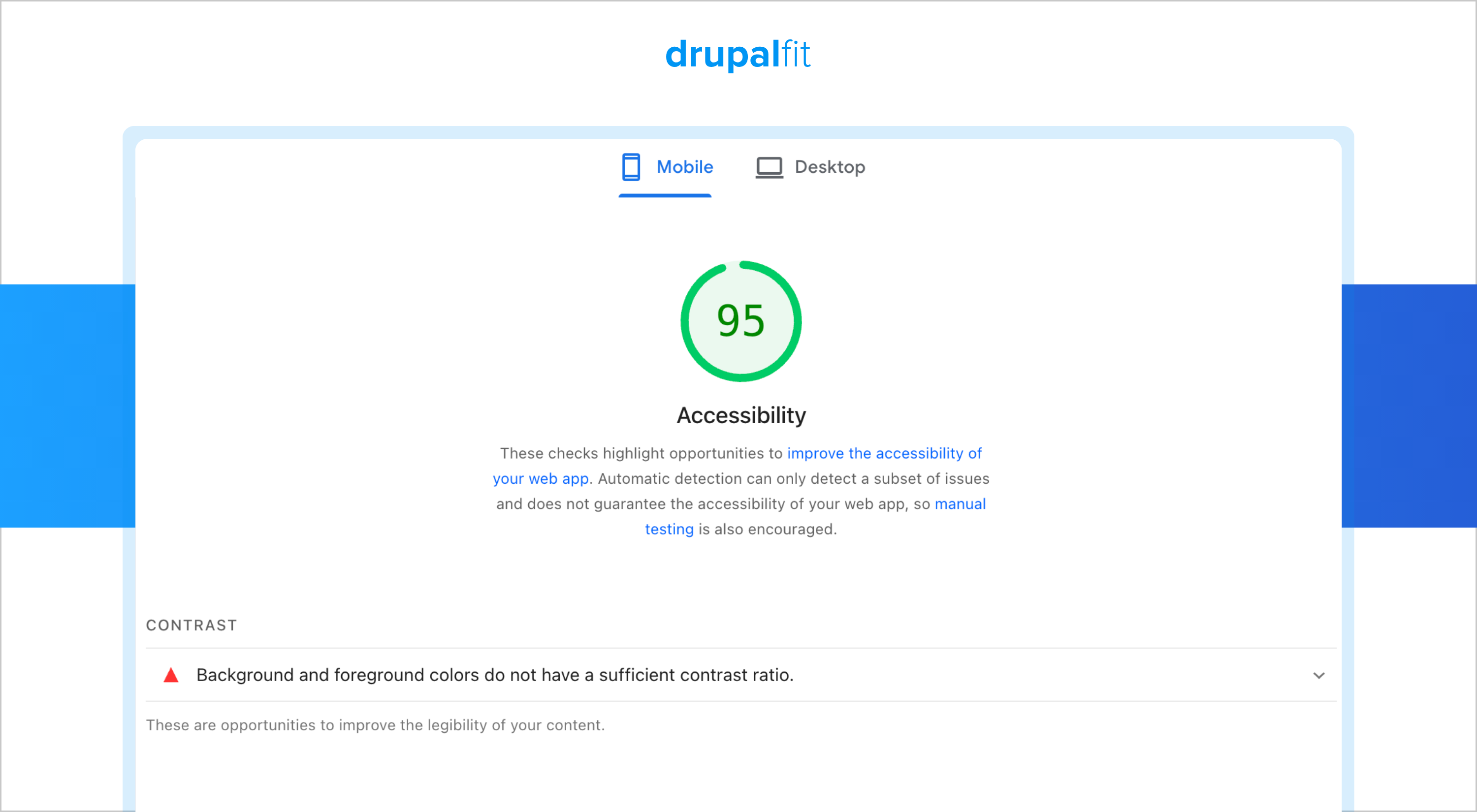
For accessibility, Lighthouse checks common issues that affect how users access and navigate your page. Its report includes accessibility audits covering areas such as contrast, navigation, form elements, names and labels, and other common problems. It also shows passed audits and failed audits, helping you see where your page needs attention.
Key details and best use cases:
- Pros: Free, easy to access, built into Chrome DevTools, and useful for quick page-level checks.
- Cons: It focuses on individual pages and automated checks, so it cannot replace a full manual accessibility audit.
- Best for: Developers who want a quick accessibility check during development.
- Pricing: Yes.
2. AccessScan
AccessScan from accessiBe is a free website accessibility checker that lets you scan a website by entering its URL. The tool generates a report showing accessibility issues and helps you understand the areas that need attention.
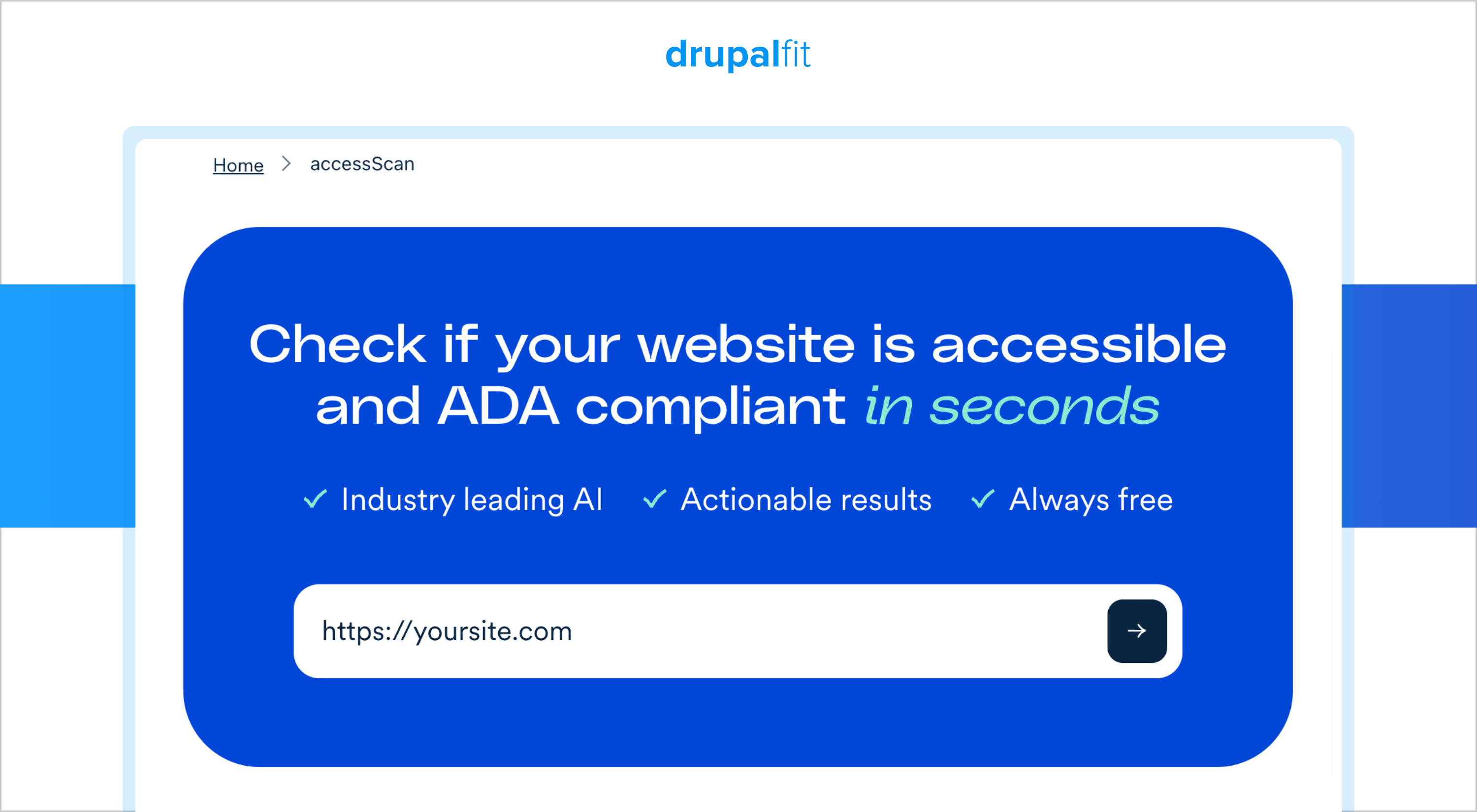
The report provides an overview of detected issues and gives you information that your team can use to start remediation. It is a practical option if you want to run an initial check without setting up a technical testing environment.
Key details and best use cases:
- Pros: Free, simple to use, requires no technical expertise, and provides a downloadable report.
- Cons: It relies on automated checks, so you still need manual testing for issues that require human judgement.
- Best for: Website owners and teams looking for a quick initial accessibility assessment.
- Pricing: Free scan; paid tiers for ongoing monitoring.
3. Silktide
Silktide is another web accessibility testing tool which is a free Chrome and Edge extension that lets you audit the webpage currently open in your browser. It performs more than 200 checks against WCAG 2.0, 2.1, and 2.2 and identifies issues such as missing alt text, colour contrast problems, and keyboard accessibility concerns.
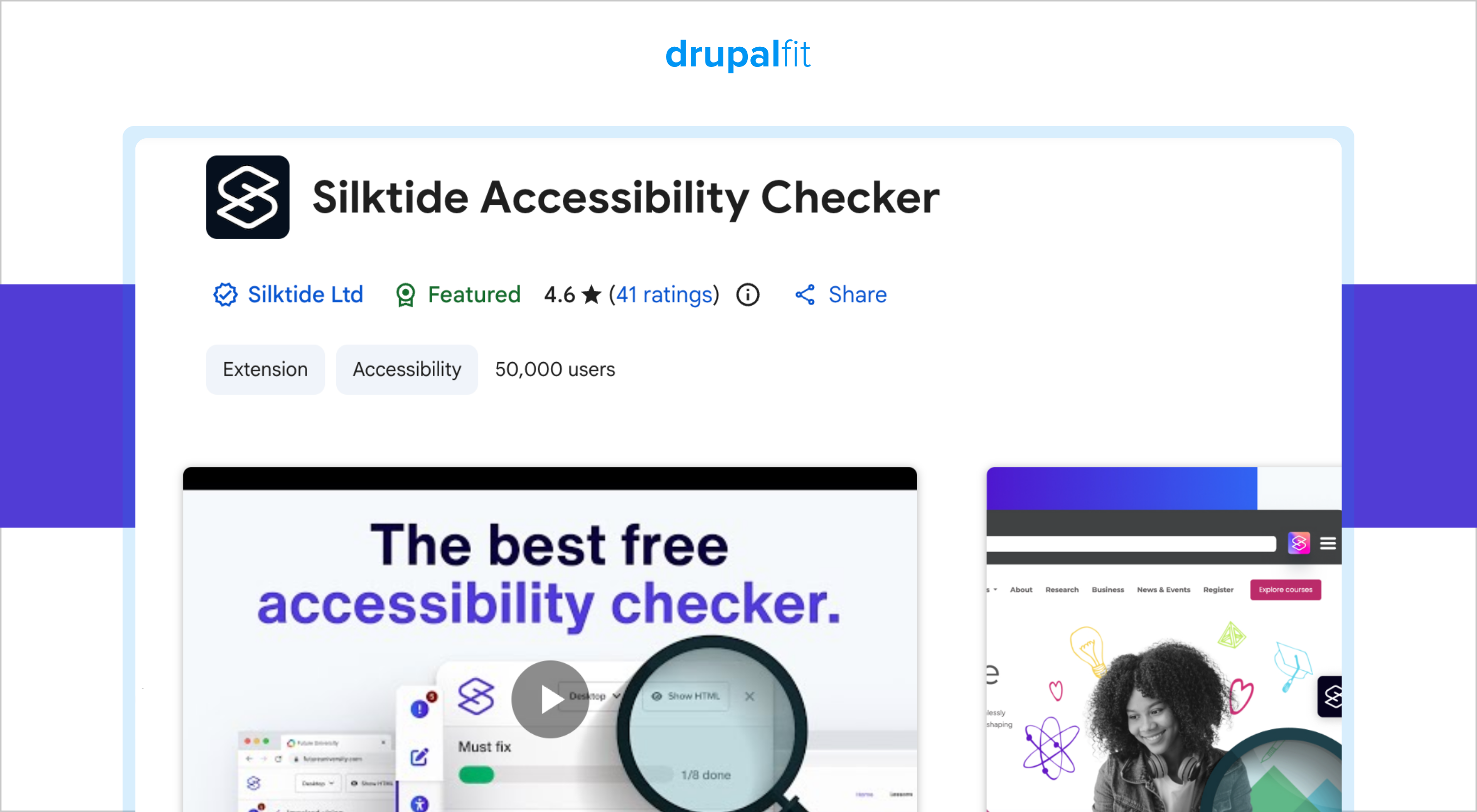
The extension also includes features such as a screen reader simulator and disability simulations. You can use these features to understand how different users may experience your webpage and identify problems that a standard visual review could miss.
Key details and best use cases:
Pros: Free, supports more than 200 checks, supports multiple WCAG versions, and provides useful testing features.
Cons: You have to test webpages individually, which can become very time-consuming when you have a large website.
Best for: Developers, content teams, and website owners who need detailed page-level testing.
Pricing: Free extension; paid plans add site-wide scanning.
4. DrupalFit
DrupalFit is a website audit platform built specifically for Drupal websites. It brings accessibility, security, performance, GDPR, and AEO/GEO auditing into one dashboard, so you can assess multiple areas of your website without switching between different tools.
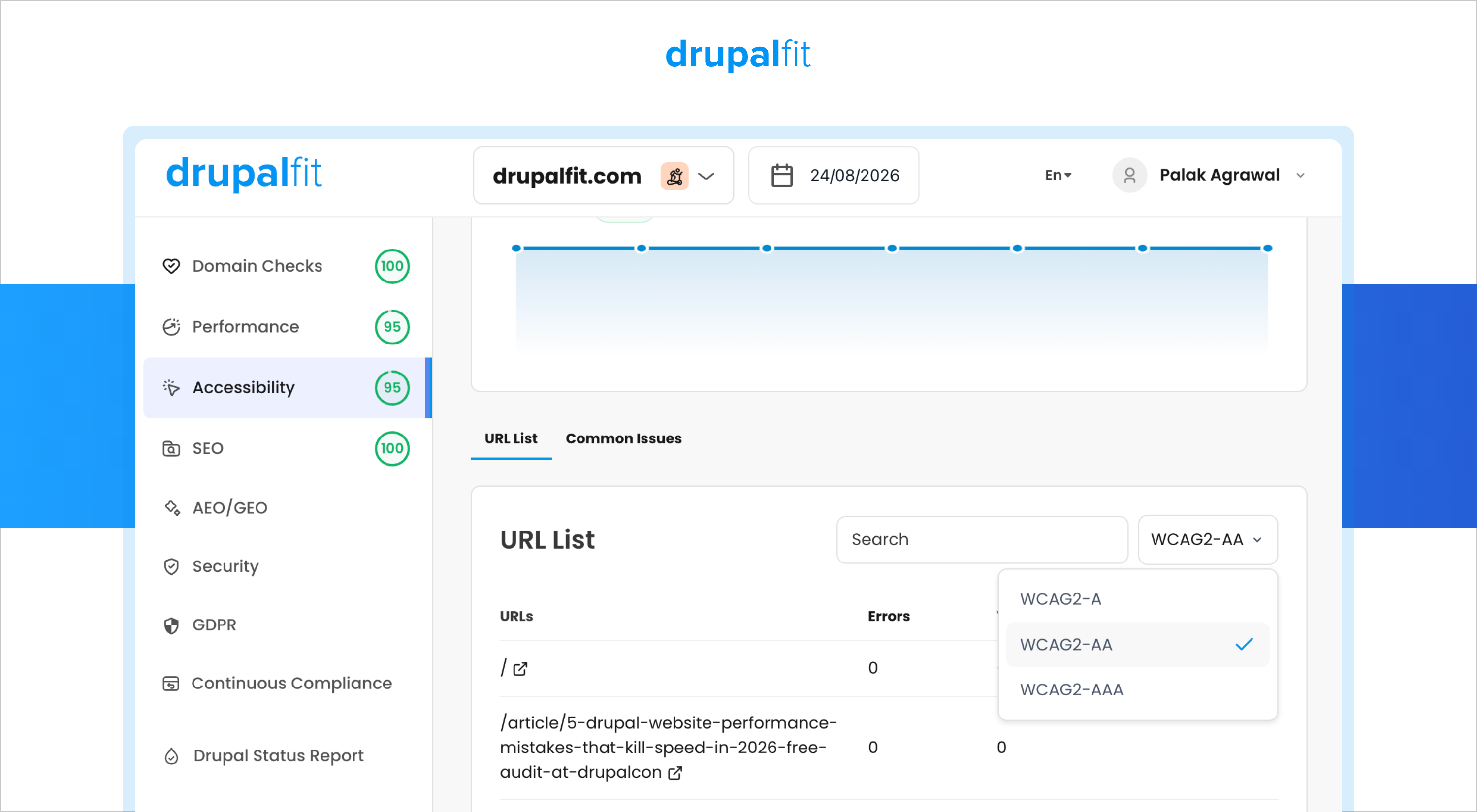
To get started, simply enter your website URL and run the audit. Within a few minutes, DrupalFit loads the audit results across the available parameters. Open the Accessibility section to see a detailed report with a URL-level list of your website pages, along with the number of errors and warnings associated with each page.
You can select the accessibility standard you want to test from the dropdown, including WCAG A, WCAG AA, and WCAG AAA. When you want to investigate a specific issue, select Show Details to see where the issue occurs and get information on how to resolve it. DrupalFit also supports CI/CD pipeline integration, allowing development teams to include accessibility testing in their development workflow.
Key details and best use cases:
- Pros: Built specifically for Drupal, supports sitewide audits, provides URL-level findings, supports WCAG A, AA, and AAA, provides remediation guidance, and supports CI/CD integration.
- Cons: Designed primarily for Drupal websites.
- Best for: Teams that want accessibility checks baked into how they already build and deploy.
- Pricing: Free audits available; paid plans for larger sites and pipeline integration.
5. Level Access
Another accessibility checker for websites is Level Access. It provides an enterprise accessibility platform that combines automated testing, monitoring, reporting, professional services, and accessibility expertise. It is designed for organizations managing accessibility across large and complex digital estates.
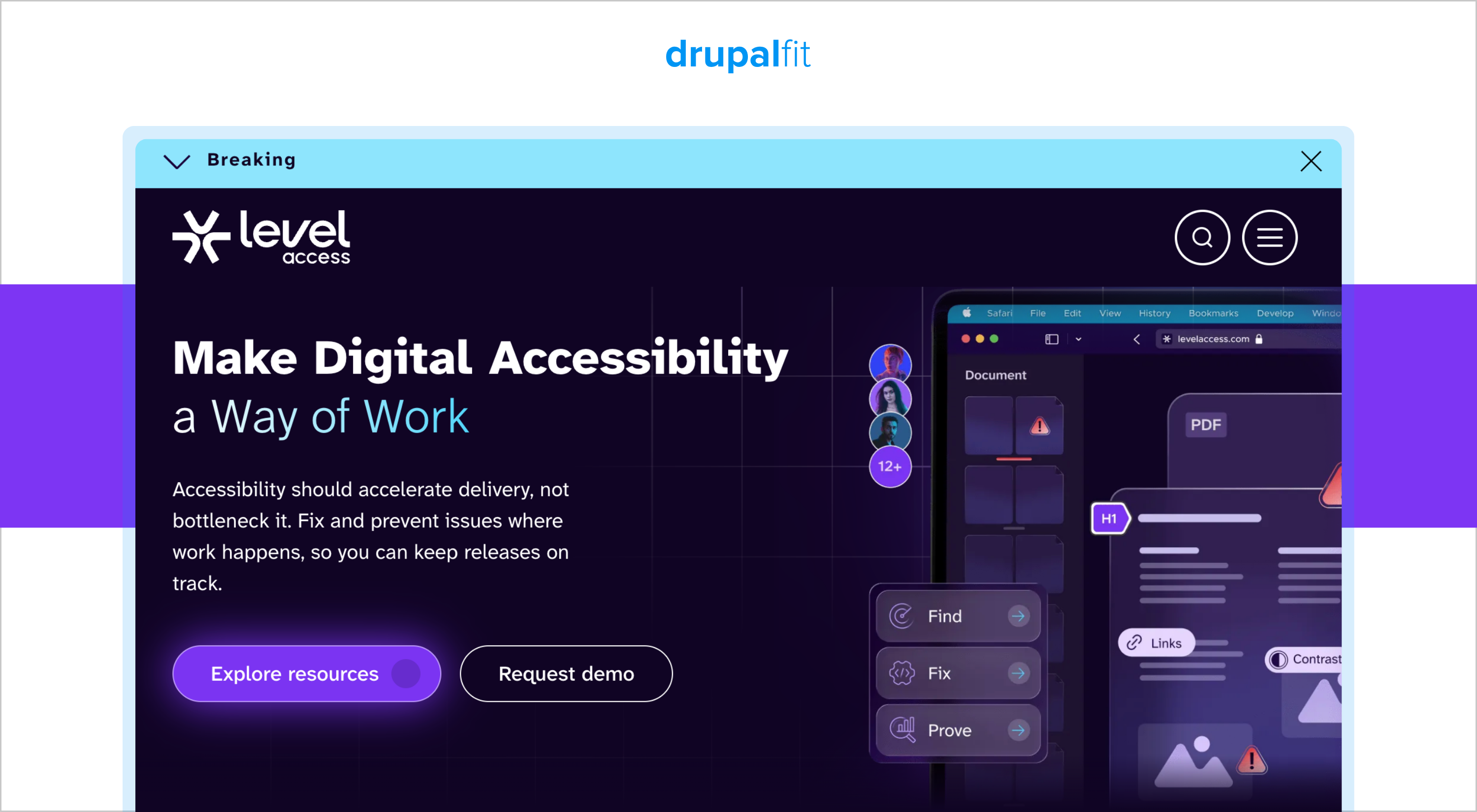
The platform supports developer integrations and helps organizations build a structured accessibility program.
Key details and best use cases:
- Pros: Mature enterprise tooling, strong developer integrations, monitoring capabilities, reporting, and accessibility expertise.
- Cons: Its enterprise focus can make the platform excessive for smaller teams and individual projects.
- Best for: Large enterprises and public sector organizations that need a structured and scalable accessibility program.
- Pricing: Enterprise-focused subscription model. Pricing is customized based on organizational requirements, size, and services.
6. Sa11y
This website accessibility checker is an open-source accessibility tool designed mainly for content authors. Sa11y checks webpages for common content-related accessibility issues and displays findings directly on the page, making it easier for content teams to understand what needs fixing.
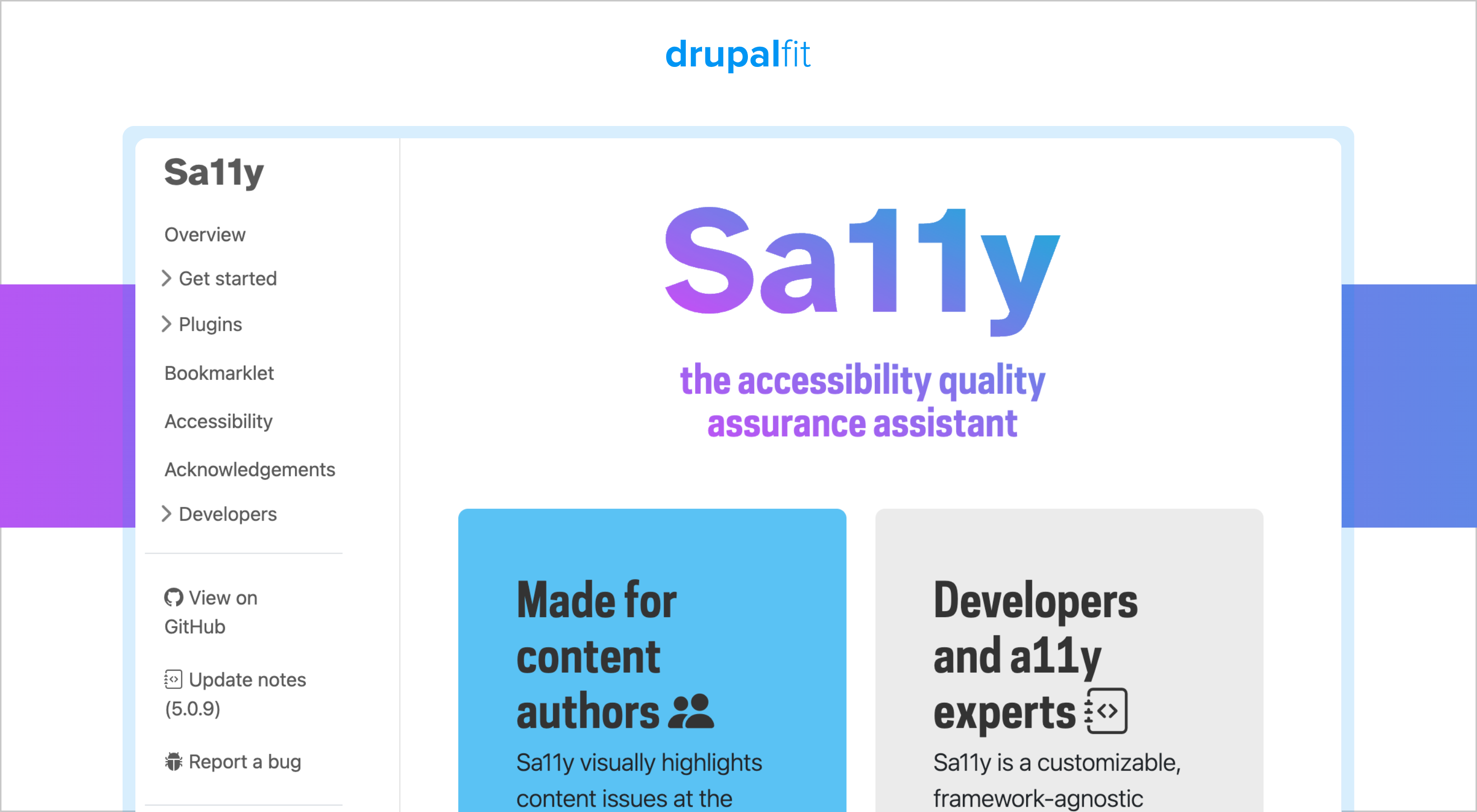
You can use Sa11y as a bookmarklet in a desktop browser. It is useful when content teams want to catch accessibility problems while creating or reviewing content without relying on a technical accessibility testing workflow.
Key details and best use cases:
- Pros: Free, open source, easy to use, and designed with content authors in mind.
- Cons: It focuses on content-related issues and does not replace a complete technical accessibility audit.
- Best for: Content authors, editors, and teams responsible for publishing website content.
- Pricing: Custom enterprise pricing based on organization size and service level.
7. axe Monitor
Net up on our list of web accessibility testing tools is axe Monitor from Deque. It is designed for organizations that need to monitor accessibility across an entire website. It scans webpages, identifies accessibility issues, and helps teams understand where problems occur.
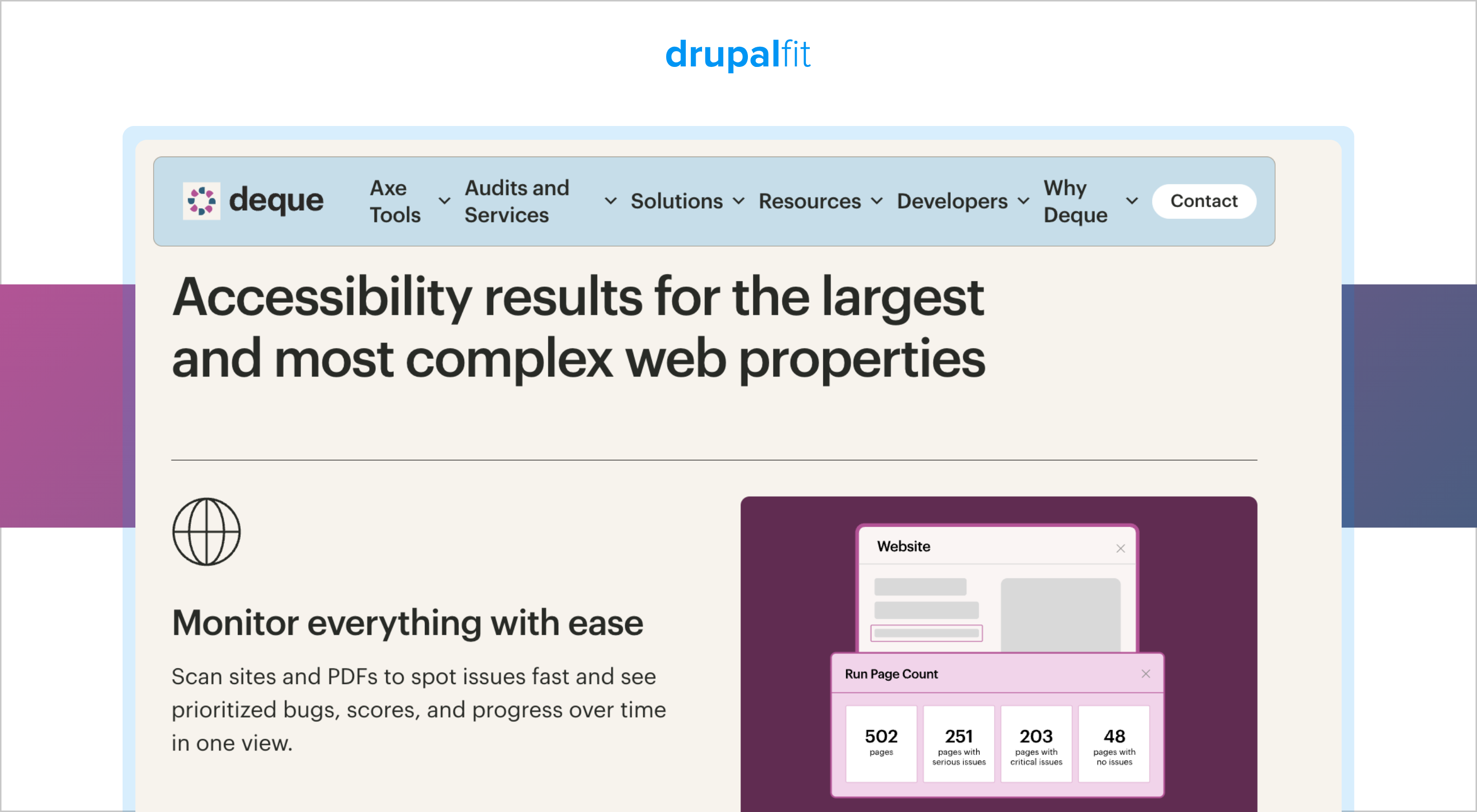
The platform also helps you track accessibility over time. Its reporting capabilities allow teams to investigate issues, identify trends, and perform deeper analysis when accessibility problems appear or increase.
Key details and best use cases:
- Pros: Sitewide scanning, monitoring, detailed reporting, issue tracking, and support for large websites.
- Cons: It is an enterprise-focused solution and may be more complex and expensive than tools designed for individual webpages.
- Best for: Large organizations that need ongoing accessibility monitoring and reporting.
- Pricing: Enterprise pricing. Contact Deque for pricing details.
8. QualWeb
QualWeb is an open-source automated accessibility evaluation tool that checks webpages against WCAG requirements. It can identify accessibility issues across areas such as keyboard accessibility, colour contrast, alternative text, and page structure.
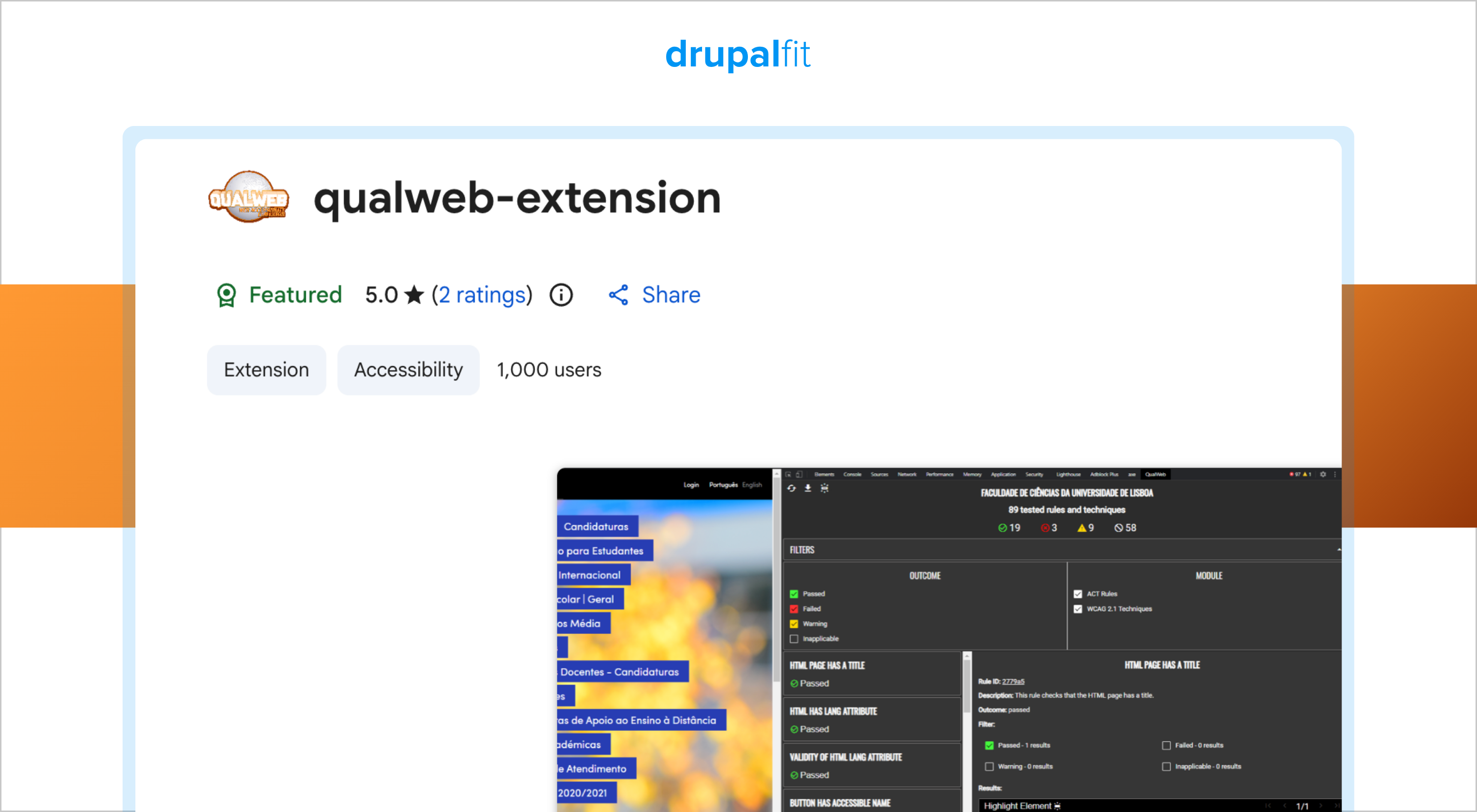
QualWeb gives technical teams several ways to run tests. You can use it through the command line, browser extension, or integrate it into JavaScript-based products.
Key details and best use cases:
- Pros: Free, open source, flexible, and suitable for automated testing and development workflows.
- Cons: It requires more technical knowledge than simpler browser-based website accessibility tools.
- Best for: Developers and technical teams that want an open-source accessibility testing solution.
- Pricing: Free and open source.
9. Accessibility Insights
One more free accessibility checker for website is Accessibility Insights from Microsoft. Its web extension provides FastPass for quick automated and assisted checks and Assessment for guided testing against accessibility requirements.
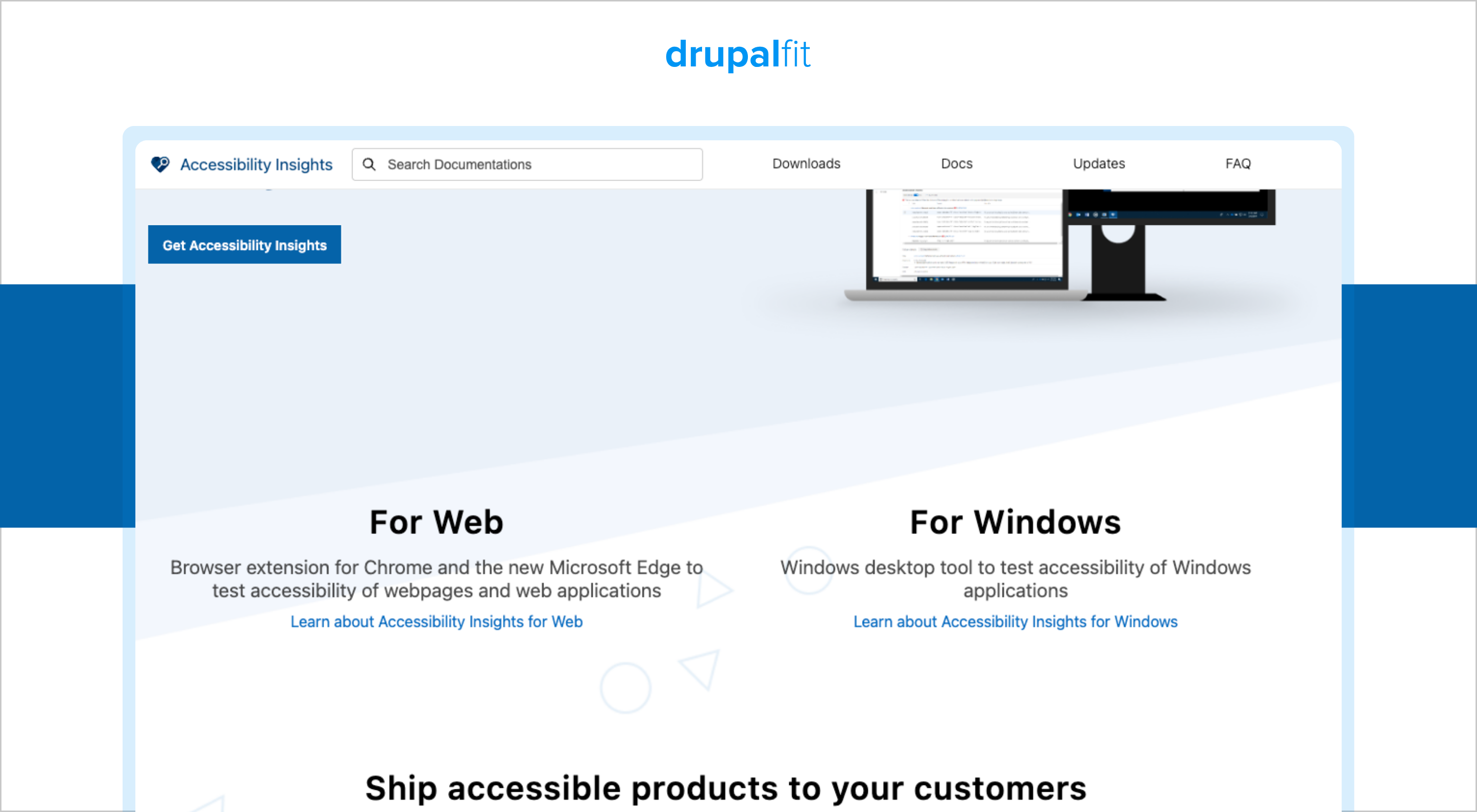
The tool is particularly useful when you want to combine automated testing with manual checks. It guides you through tests that require human input, helping developers and QA teams understand what they need to check instead of relying on an automated score alone.
Key details and best use cases:
- Pros: Completely free, maintained by Microsoft, supports automated and manual testing, and provides guided testing instructions.
- Cons: It focuses primarily on page-level testing and does not provide the sitewide crawling and monitoring capabilities of enterprise platforms.
- Best for: Developers, QA teams, and organizations looking for free web accessibility testing tools.
- Pricing: Free and open source.
10. WebAIM WAVE
One of the most famous accessibility checkers tools is WAVE. Developed by WebAIM, it adds icons and indicators directly to a webpage so you can see errors, alerts, structural information, and other accessibility findings in context.
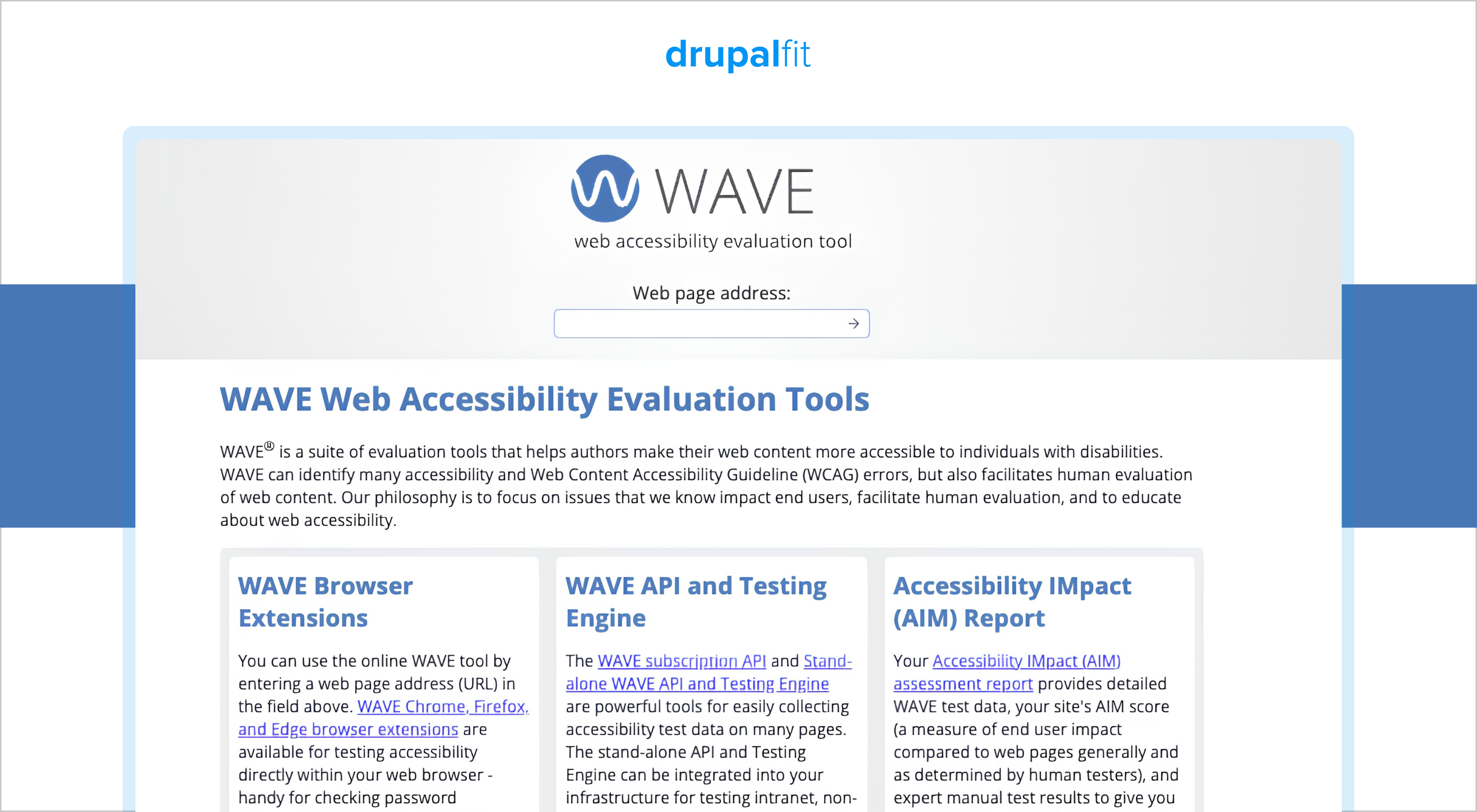
You can use WAVE through its online checker or browser extensions. Its visual approach makes it especially useful when you are learning accessibility or need to quickly understand where an issue appears on a webpage.
Key details and best use cases:
- Pros: Free, easy to understand, highly visual, and useful for learning accessibility principles.
- Cons: The free tool works best for page-by-page checks, which can become inefficient when you need to audit a large website.
- Best for: Beginners, educators, content teams, and testers who want clear visual feedback.
- Pricing: The online checker and browser extensions are free. Additional paid options are available.
Use a Free Web Accessibility Testing Tool Now!
Website accessibility is an ongoing process. Running an audit once does not mean your website will remain accessible after the next content update, design change, or code deployment.
When choosing a tool, look for four things:
- Can it scan the pages you need to check?
- Does it test against the website accessibility standards you need to meet?
- Does it show where the issue occurs and help your team fix it?
- Can you run regular audits or integrate testing into your development workflow?
A website accessibility checker can help you identify common issues quickly. But automated testing should be part of a broader accessibility process that includes manual testing and regular monitoring.
If you manage a Drupal website, DrupalFit gives you a simpler way to run a detailed accessibility audit. Enter your website URL, choose your WCAG level, review issues by URL, and get clear guidance on how to fix them.
Run a free website accessibility audit now!
FAQs
1. What is the best free accessibility testing tool?
It depends on your need. For a quick single-page check, a free browser-based tool works fine. For a full-site scan, pick one that crawls every page instead of one at a time.
2. How do I check if my website is accessible?
Run an automated checker first to catch issues like missing alt text and low contrast. Then test manually with a keyboard and screen reader, since some issues need a human to catch.
3. How much does a website accessibility audit cost?
A free automated scan costs nothing. A professional audit with manual testing can run from a few hundred to several thousand dollars, depending on your site's size.
4. How do I do an accessibility audit on my website?
Run an automated tool to catch obvious issues, then test manually with a keyboard and screen reader. Fix issues by severity, starting with whatever blocks a core task.